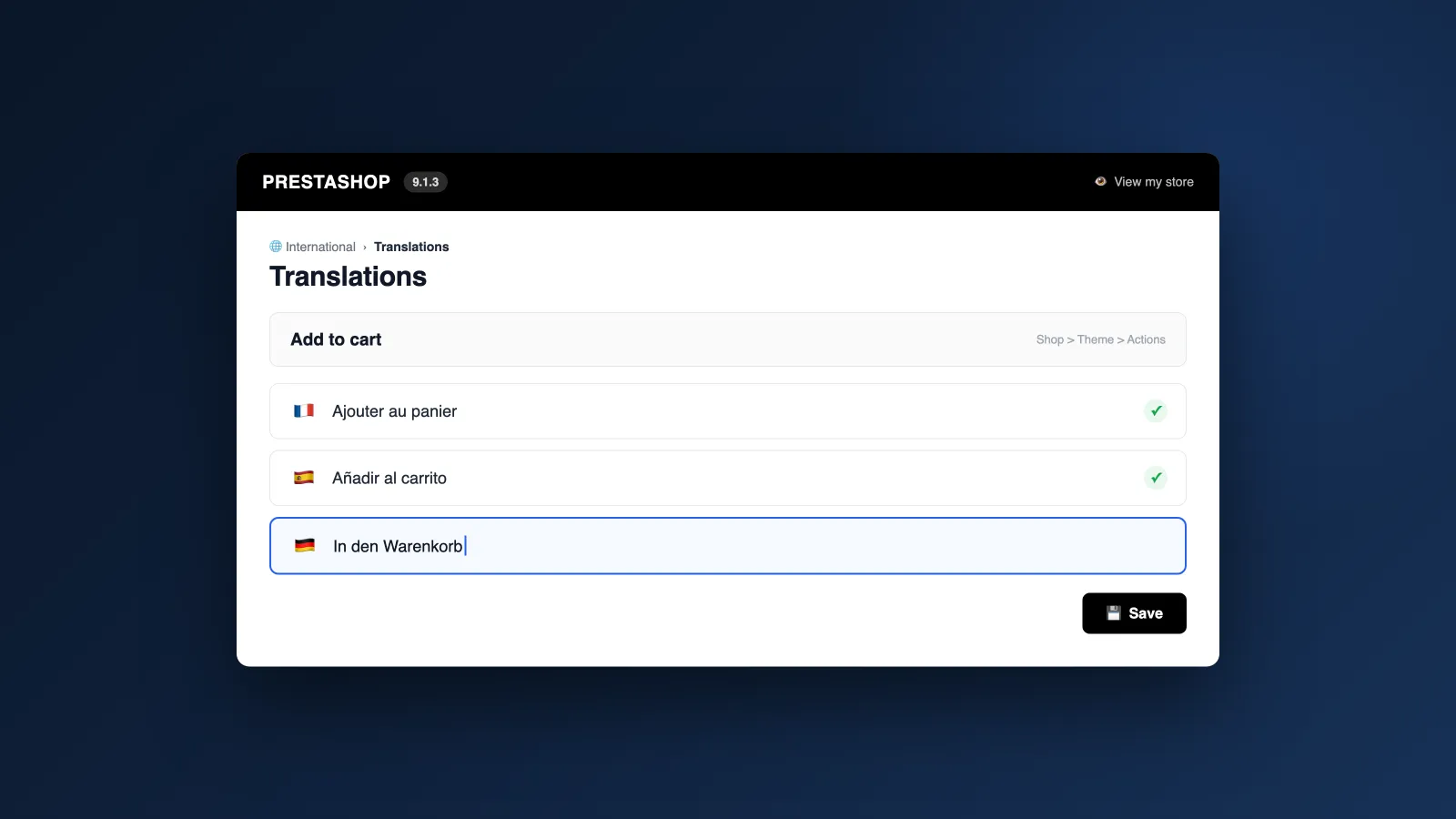
A stray "Add to cart" on your French storefront, a description still in English on your Spanish version: in PrestaShop, every text gets fixed in a different place. And with PrestaShop 9's new back office, habits built on 1.7 no longer quite cut it.
PrestaShop 9 stores its texts in three separate systems: interface wordings, your catalogue content, and transactional emails. Here's where each one gets edited, step by step.
Wordings, content, emails: which text gets edited where?
PrestaShop calls a "wording" any fixed text shipped by the software or your theme: buttons, labels, error messages. Your catalogue and your emails follow different circuits — hence this map before you start:
| Text type | Examples | Where to edit it |
|---|---|---|
| Theme and back office wordings | "Add to cart", labels, error messages | International then Translations: "Modify translations" |
| Catalogue content | Products, categories, CMS pages, attributes | Each sheet, field by field, language by language |
| Transactional emails | Order confirmation, shipping, password | International then Translations: "Email translations" |
The rule that saves you from looking in the wrong place: if the text comes from you, it's edited in the relevant sheet; if it comes from PrestaShop or the theme, it's edited on the Translations page.
Step 1: edit wordings on the Translations page
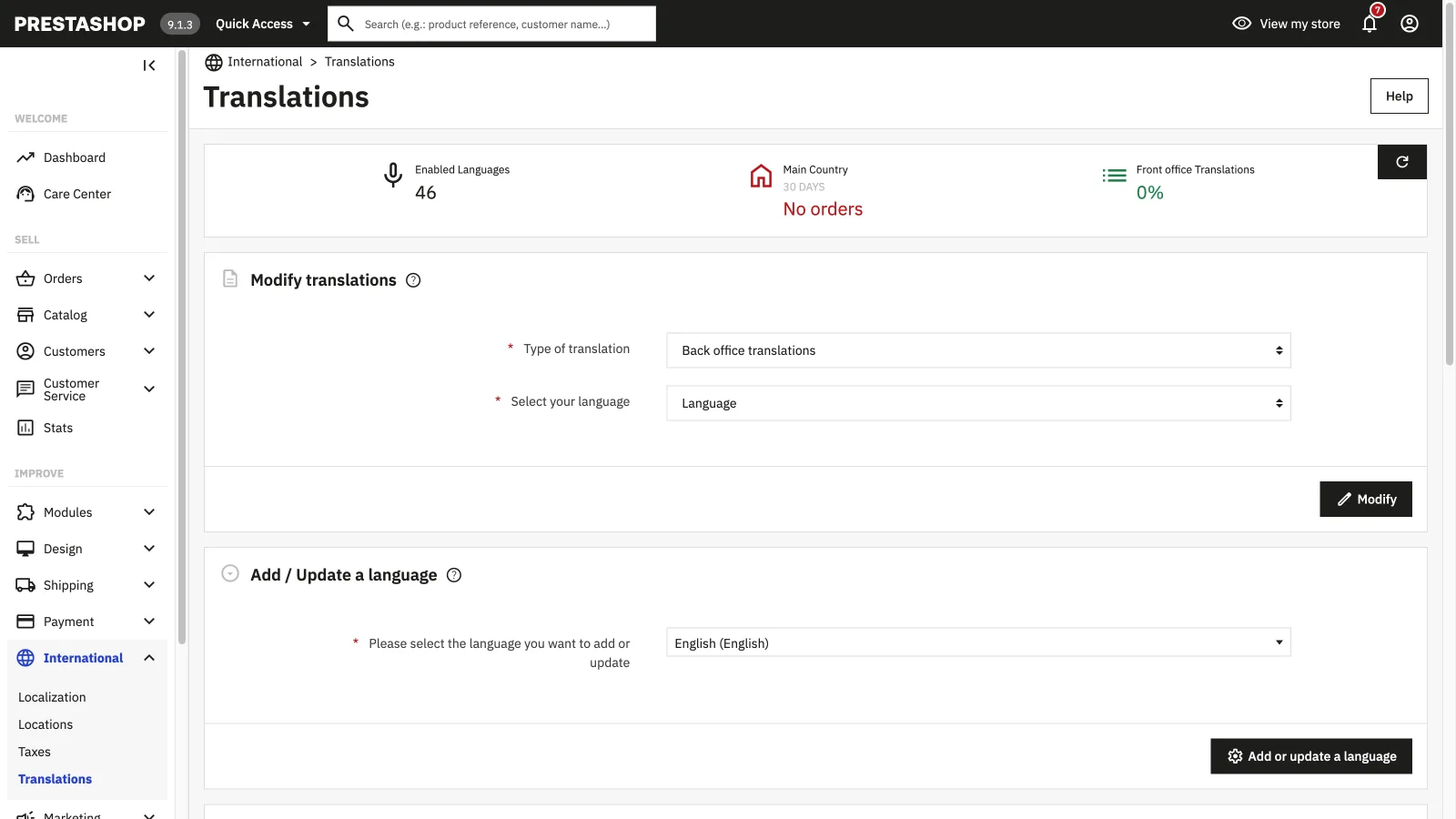
Head to "International" then "Translations". The "Modify translations" block simply asks what you want to touch:
- Pick the type: front office translations for what your customers see, back office, installed modules or emails
- Select your theme (classic or hummingbird) for front office translations
- Select the language to fix
- Click "Modify" to open the editor
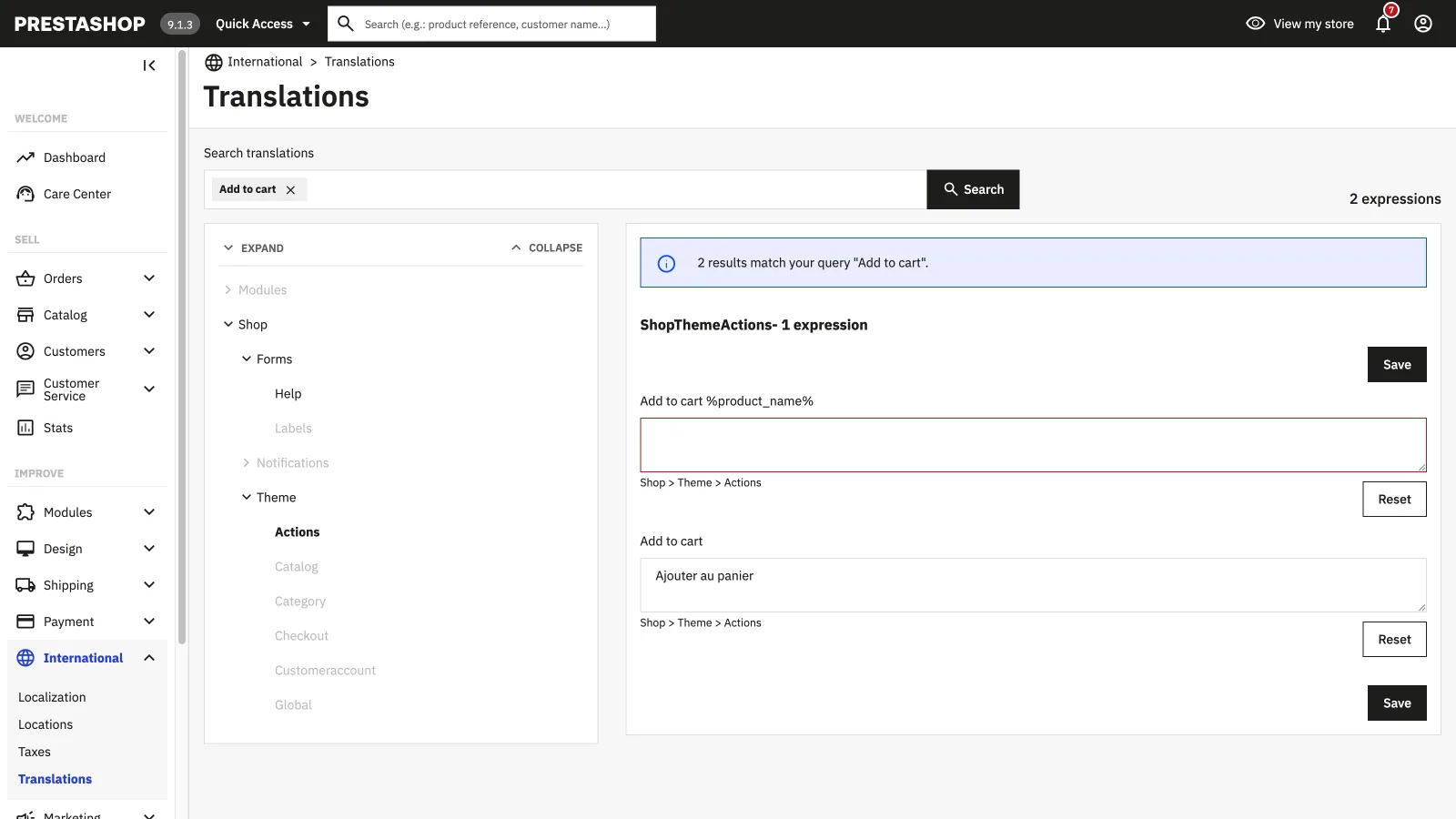
The editor lists every expression by domain (Shop, Theme, Actions…), flags missing translations and offers a search box. Type the offending text, fix the field in your language, save: the change is live immediately, no code involved.
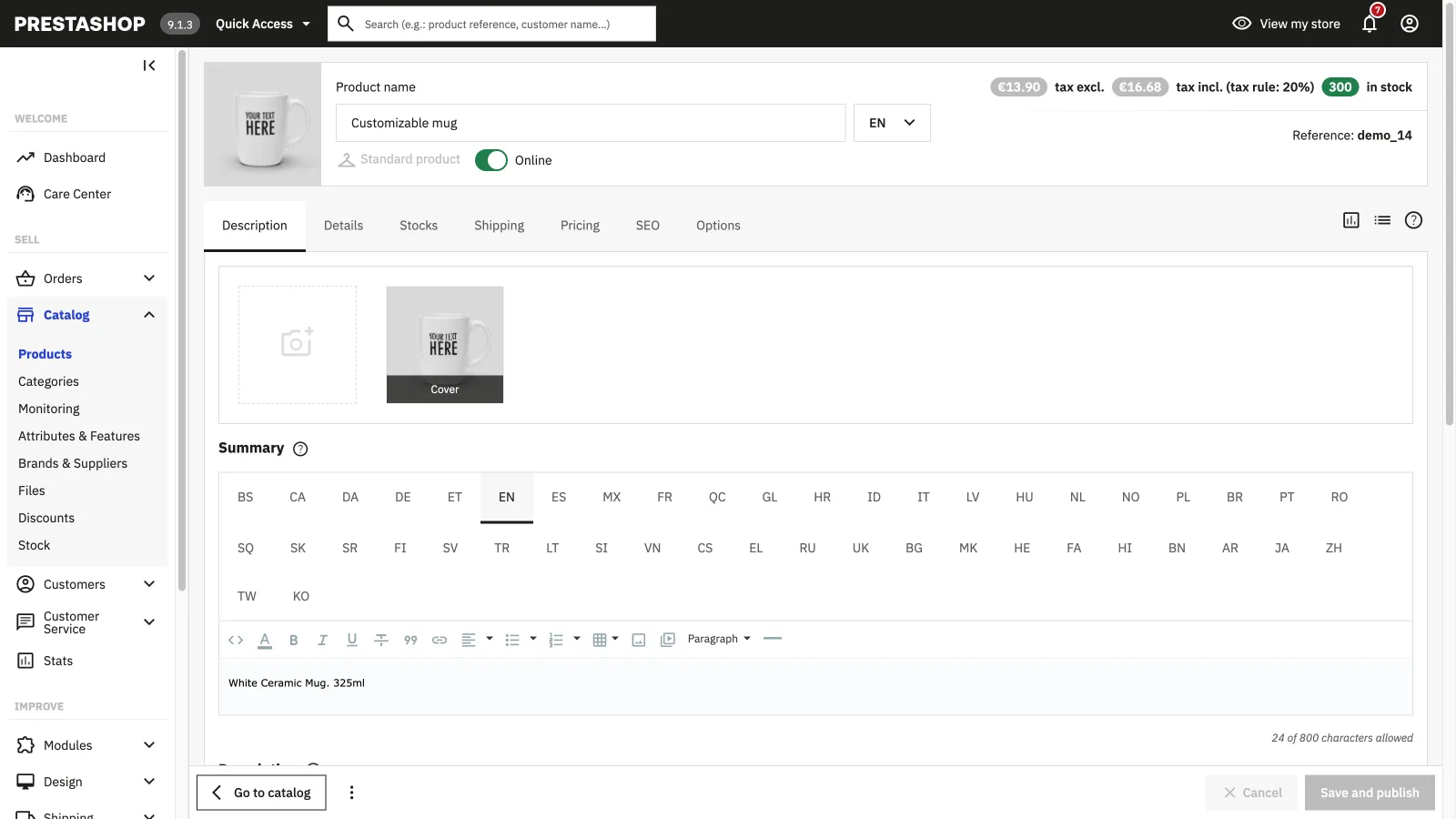
Step 2: translate catalogue content, field by field
The Translations page never touches your own content. Products, categories and pages are translated in their own sheet: a language selector at the top of the page, and language tabs on every translatable field.
- Products: name, summary, description, plus meta title, meta description and friendly URL in the SEO tab
- Categories and CMS pages: same fields, same tab mechanics
- Attributes, features and carriers: in their own screens under the Catalog menu
This is where most of the volume sits: every field has to be re-entered in every language, by hand. A 500-product catalogue in 4 languages means thousands of fields to fill.
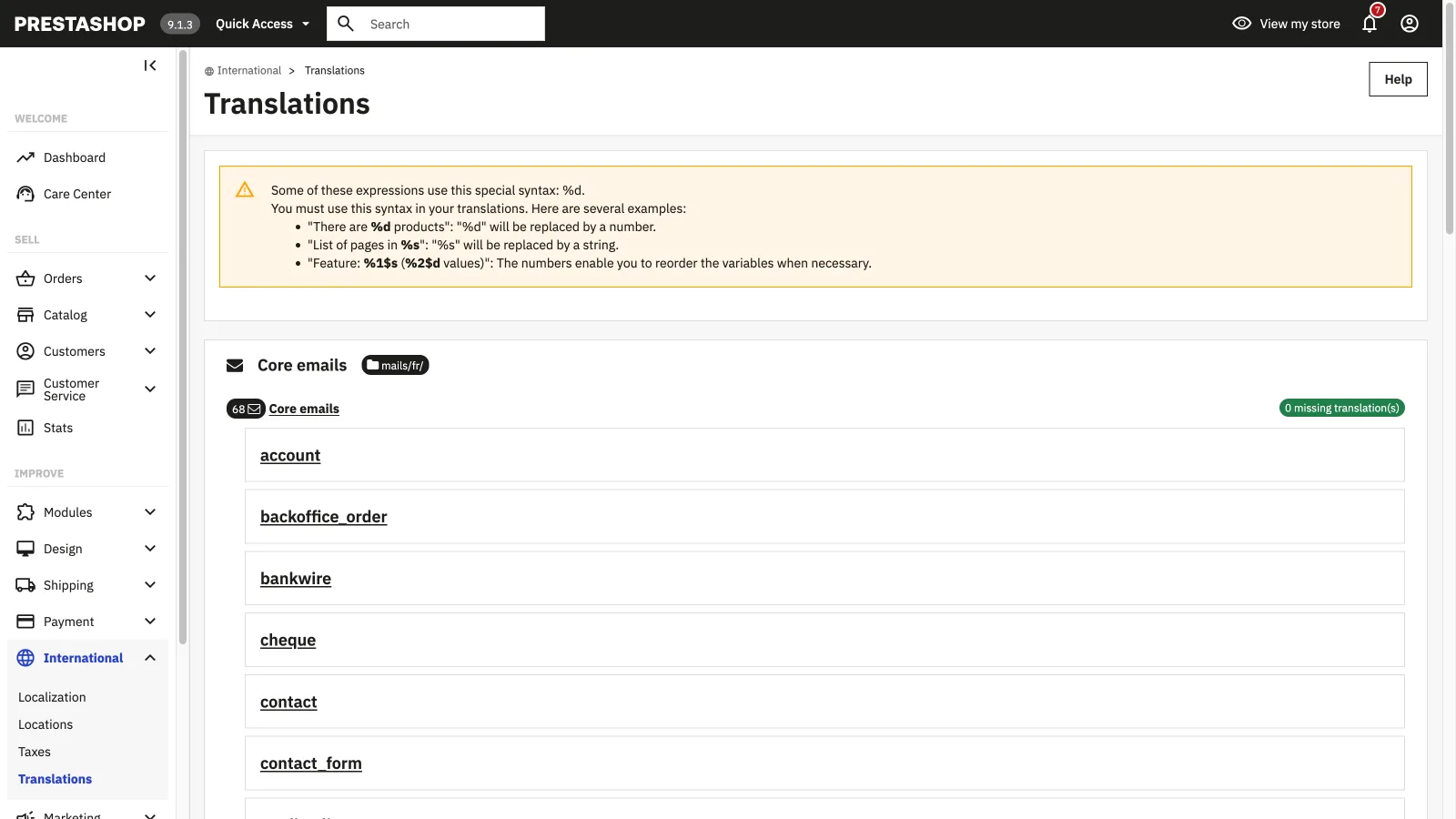
Step 3: fix transactional emails
Still on the Translations page, the "Email translations" type opens the template list: order confirmation, shipping, password… Each email exists as a core or module version, with its subject and body.
- Subject and body are translated separately; the body exists in an HTML and a text version
- Respect variables like %s or %d: they're replaced by a name or a number at send time
- Send yourself a test email after each fix — the HTML-plus-variables mix breaks easily
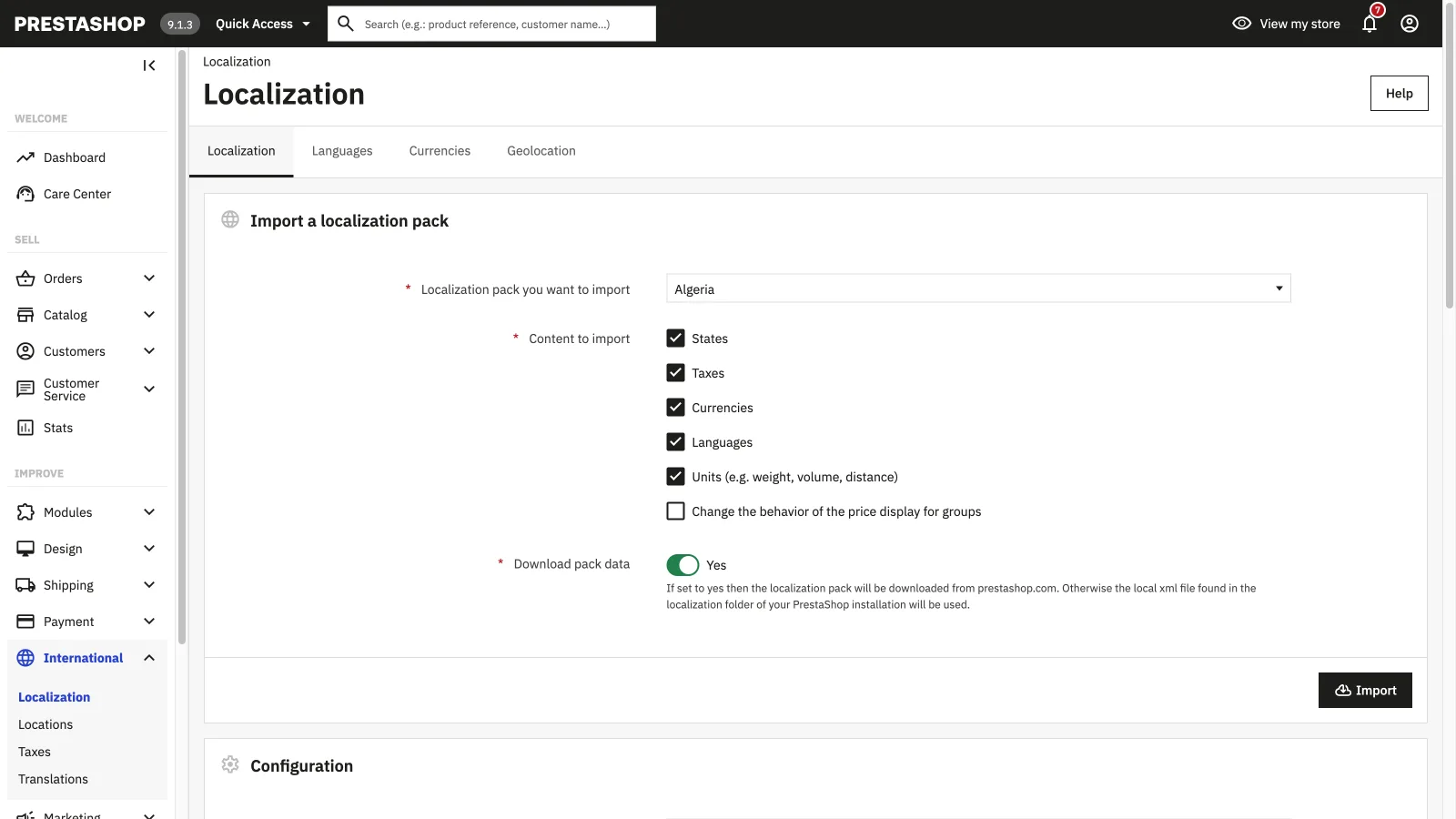
Step 4: add a language before translating it
A language missing from your store won't show up in any of the previous screens. To add it, go to "International" then "Localization":
- Import the localization pack for the target country, ticking at least "Languages"
- The pack brings the language with its official translations, and depending on your choices the currency, taxes and units
- Then check in the "Languages" tab that the new language is enabled and visible on the storefront
What manual editing doesn't cover
Everything above fixes texts one at a time. That's perfect for tweaking a wording or an email — much less so for putting an entire store into a new language:
| Area | What PrestaShop 9 provides | What's left to you |
|---|---|---|
| Interface and theme | Official wordings already translated via the packs | Wordings from your theme or uncovered modules |
| Catalogue | Language tabs on every field | All the typing: every product, every language, every SEO field |
| Emails | Default templates translated in common languages | Your customizations, and third-party module emails |
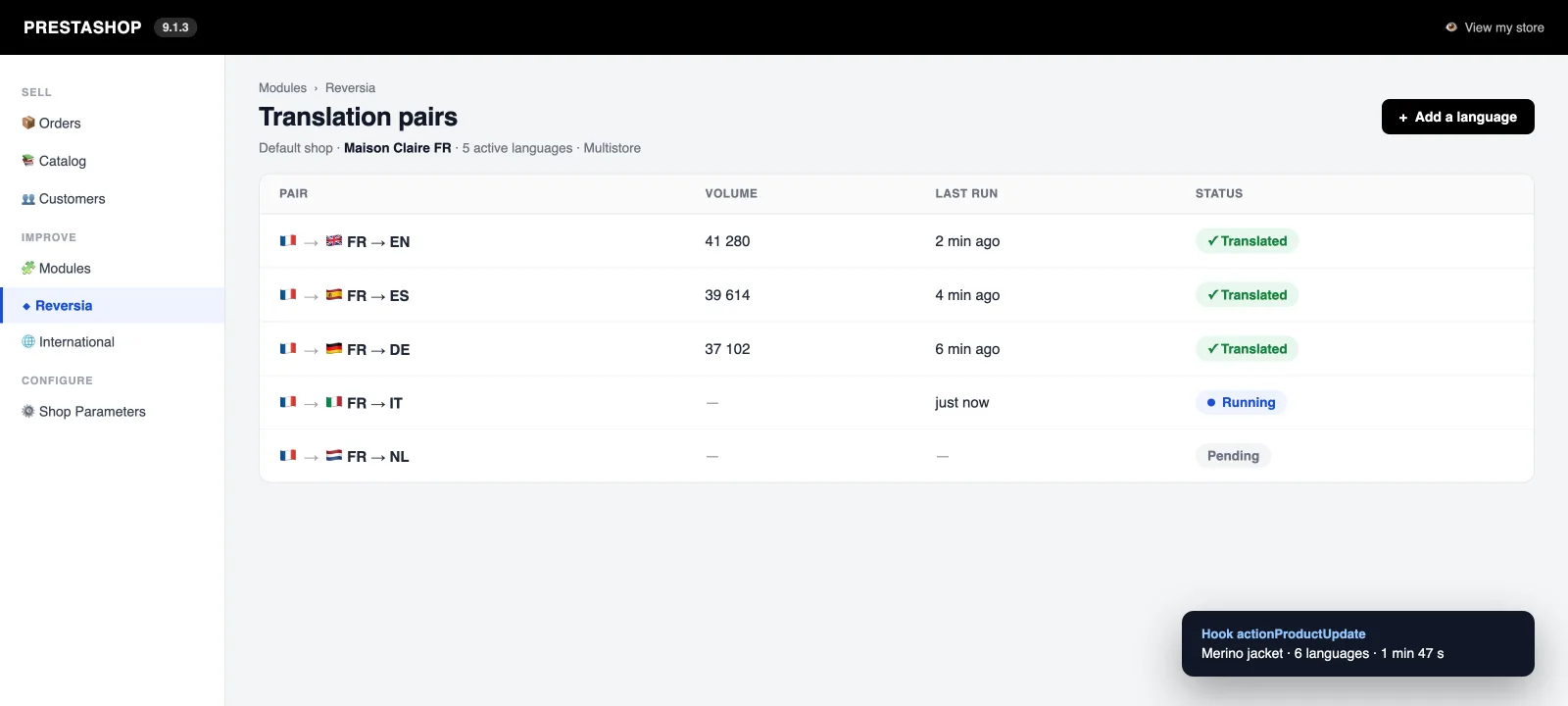
Reversia: translate all of PrestaShop 9 automatically
For everything else — which is most of it — Reversia installs a module compatible with PrestaShop 1.7 through 9.x that translates the store with Claude, Anthropic's AI model. As soon as content changes, a hook detects it and the translation ships in 1 to 3 minutes.
- Full coverage: products, categories, attributes, CMS pages, SEO metadata and third-party modules
- Glossary and brand prompt: your product names and tone stay intact in every language
- Every translation stays reviewable and editable, without re-typing thousands of fields
- Multistore and multilingual: 110+ languages available
The Translations page keeps its purpose for tweaking three wordings; Reversia handles the catalogue, the SEO and the volume.
FAQ: editing your translations in PrestaShop 9
Where do I edit a theme text like "Add to cart"?
In "International" then "Translations", "Modify translations" block: pick front office translations, your theme and the language, then search for the expression in the editor and fix it. The change is immediate.
Why doesn't the Translations page translate my products?
Because it only handles wordings from the software and the theme. Your content (products, categories, CMS pages) is translated in its own sheet, field by field, through the language tabs.
Do PrestaShop 1.7 translations still work in PrestaShop 9?
Yes. PrestaShop 9 keeps the translation system introduced with 1.7 (wordings, domains, the Translations page). The back office interface has changed, but the mechanics and your existing translations remain valid.
Is Reversia compatible with PrestaShop 9?
Yes, the Reversia module covers PrestaShop 1.7 through 9.x, single-store and multistore alike. It translates catalogue, pages, SEO metadata and third-party modules with Claude, and automatically detects every change.