Do you want to change the default language of your PrestaShop back-office?
Discover how to do it in a few steps!
Tutorial
To change the language, nothing could be simpler! Click on your profile at the top right of the PrestaShop back-office.
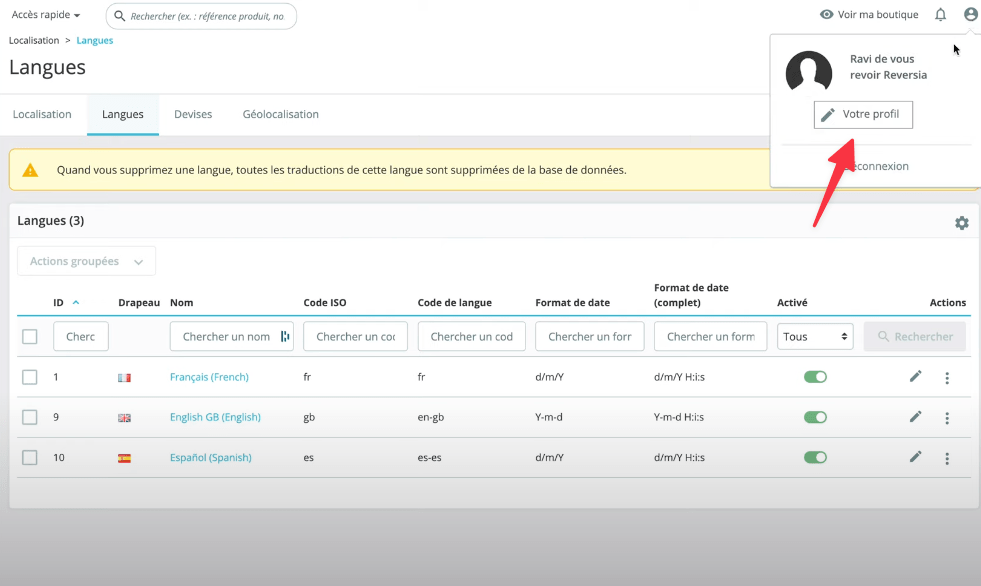
Then change the language by going to the menu dedicated to this purpose. If you don’t see any language, you need to add one. To do this go to: . Then import the localization pack corresponding to your language.