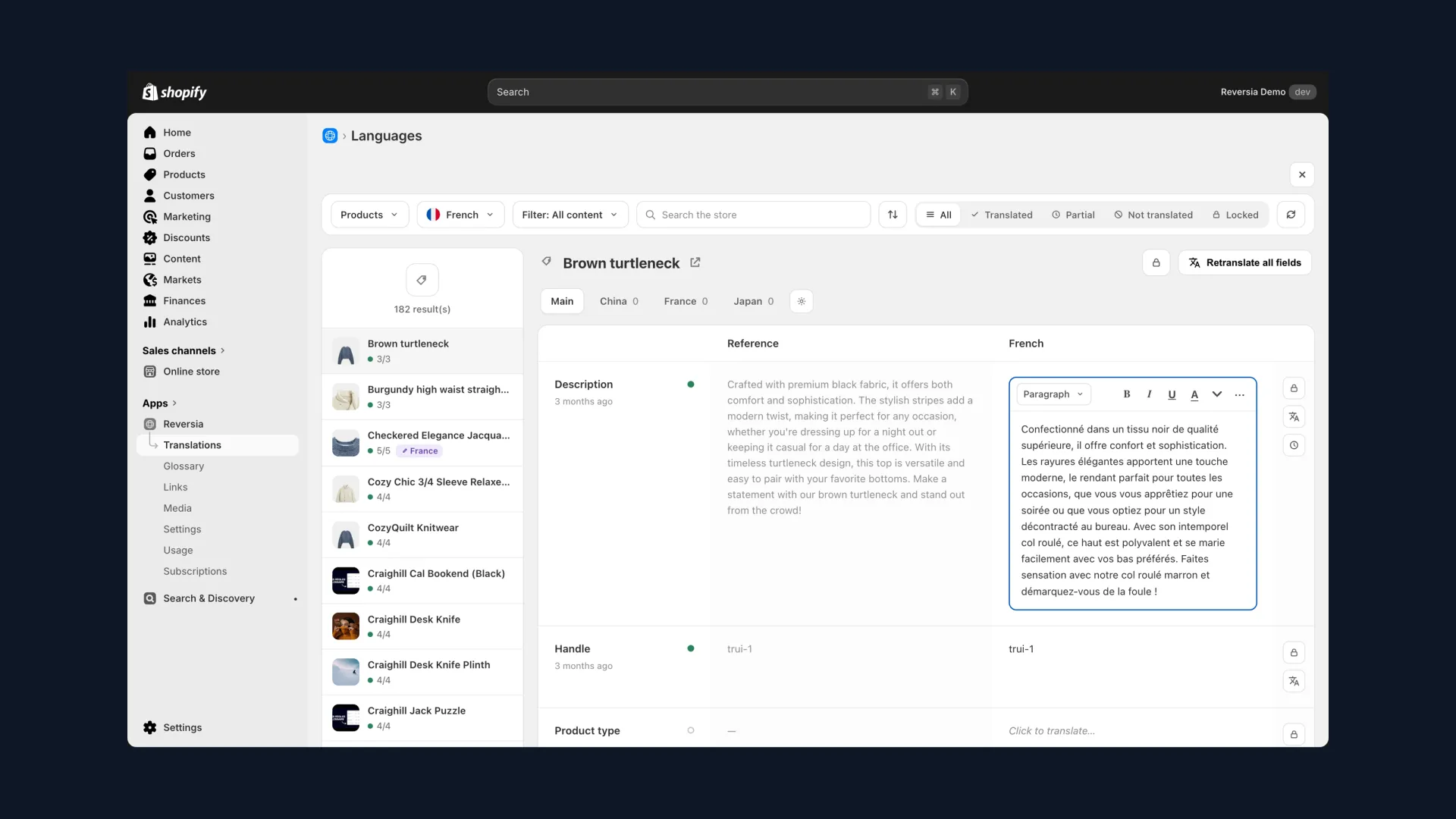
Translate & Adapt starts from the right instinct: serving several languages on a single domain, rather than scattering your SEO authority across a .fr, a .de and a .nl to maintain separately.
The problem is that most broken multilingual stores are broken in the same ways, and the official app makes those mistakes easy to commit and hard to see. Let's go through them, with the fixes.
What the official app does well
Credit before critique. Translate & Adapt gives you, without a developer:
- A single domain with per-language subpaths, consolidating your SEO signals
- Automatically generated hreflang and sitemaps for published languages
- An automatic 301 when you translate a URL handle: the old URL isn't stranded
- Per-market content adaptation, for spelling and messaging variations
For a store testing one or two markets, that's a reasonable starting point. The trap is confusing a starting point with finished work.
The 5 mistakes that sink multilingual stores
Ranked by damage, here are the ones that come up in every audit:
| # | The mistake | What it costs you |
|---|---|---|
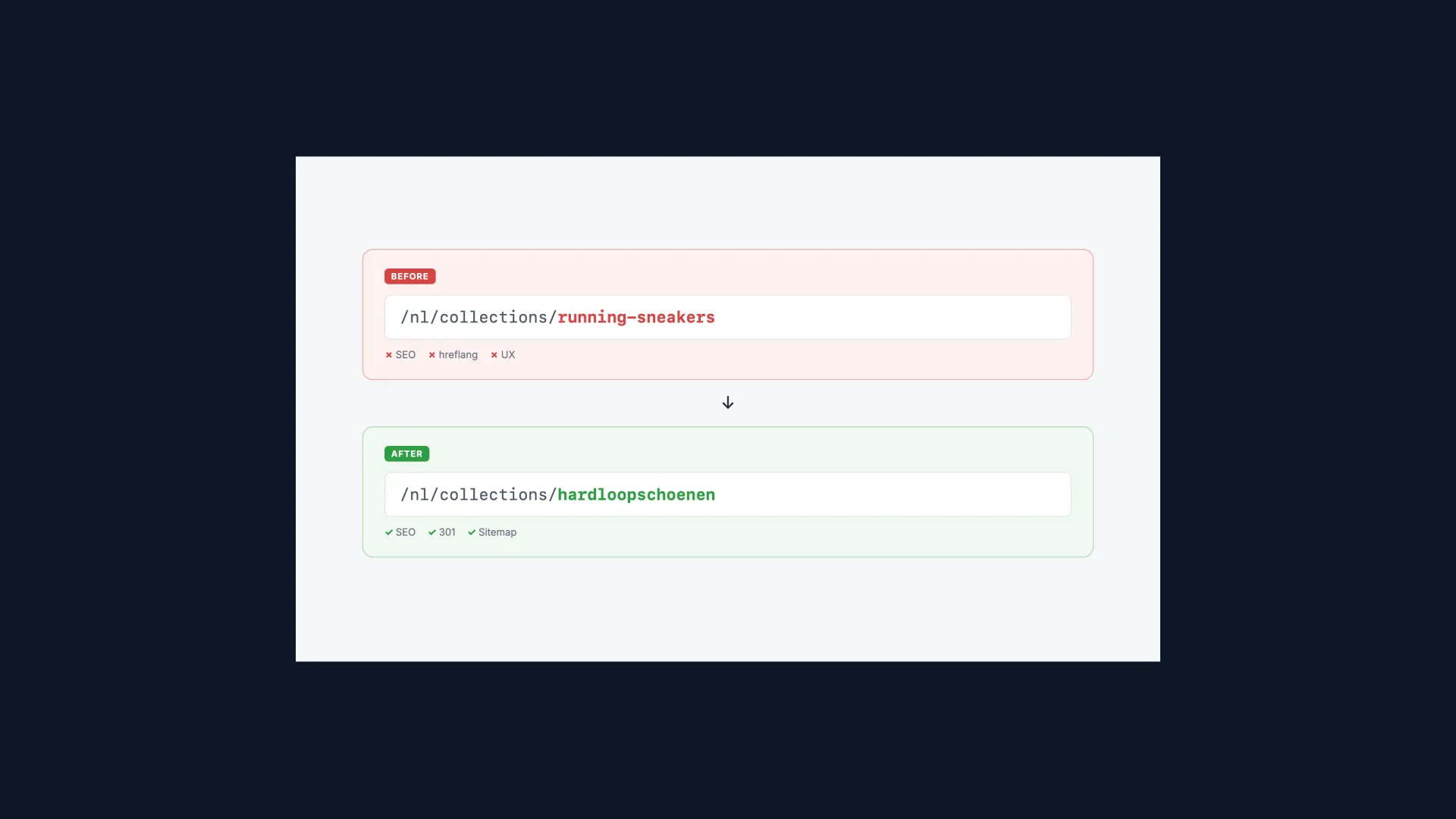
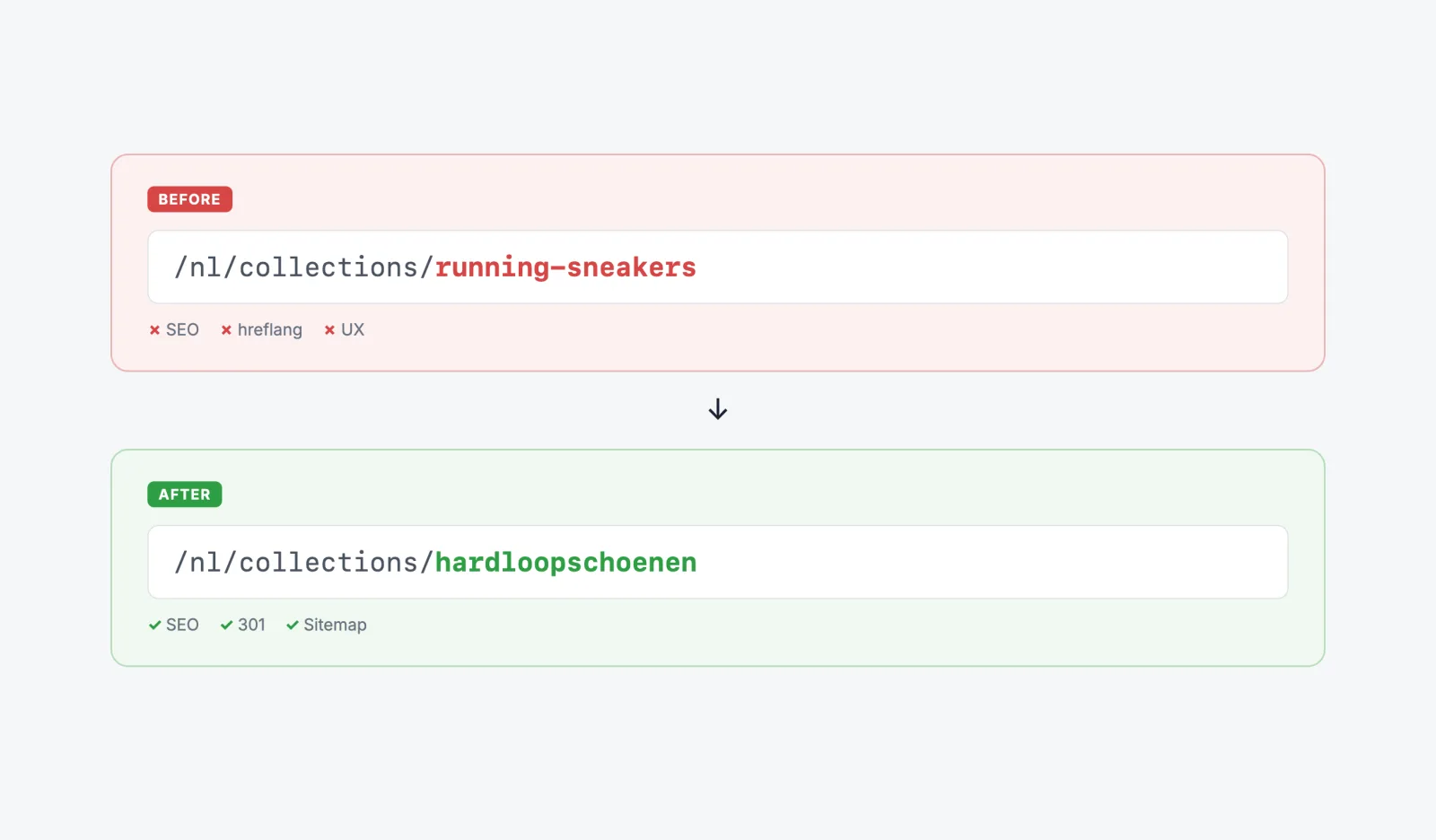
| 1 | URL handles left in the primary language | Dutch pages on English URLs, weaker relevance signals, visibly skin-deep translation |
| 2 | Near-identical language variants published together | Cannibalisation between 95%-identical versions, diluted signals |
| 3 | hreflang pointing at never-published pages | Google follows the reference, finds nothing, and loses trust in your whole language mapping |
| 4 | Inconsistent canonicals across variants | You're telling Google yourself not to index the translated page |
| 5 | Incomplete coverage (metafields, theme, third-party apps) | An 80%-translated page that feels unfinished because it is |
Notice the pattern: only the last one is about the app's reach. The other four are configuration, and that's where the app hands you just enough rope.
Mistake #1: URL handles never translated
Many people assume Translate & Adapt can't translate URL handles. It can, but the idea has an explanation: the feature only arrived in early 2023, as a beta, and initially for products only. Any store set up before that still carries its original slugs.
- Open Translate & Adapt from "Apps" and select the target language.
- Filter to URL handles using the search controls, rather than scrolling every resource.
- Type in the translated slug, then save.
- For volume, use the translations CSV export (Settings then Languages): edit the handles in the file and reimport.
Credit to Shopify: the sitemap updates and a 301 is created from the old URL. A detail that doesn't matter: the /collections/ prefix stays in English, like on every Shopify store on earth, and Google couldn't care less.
Mistake #2: the language-variant trap
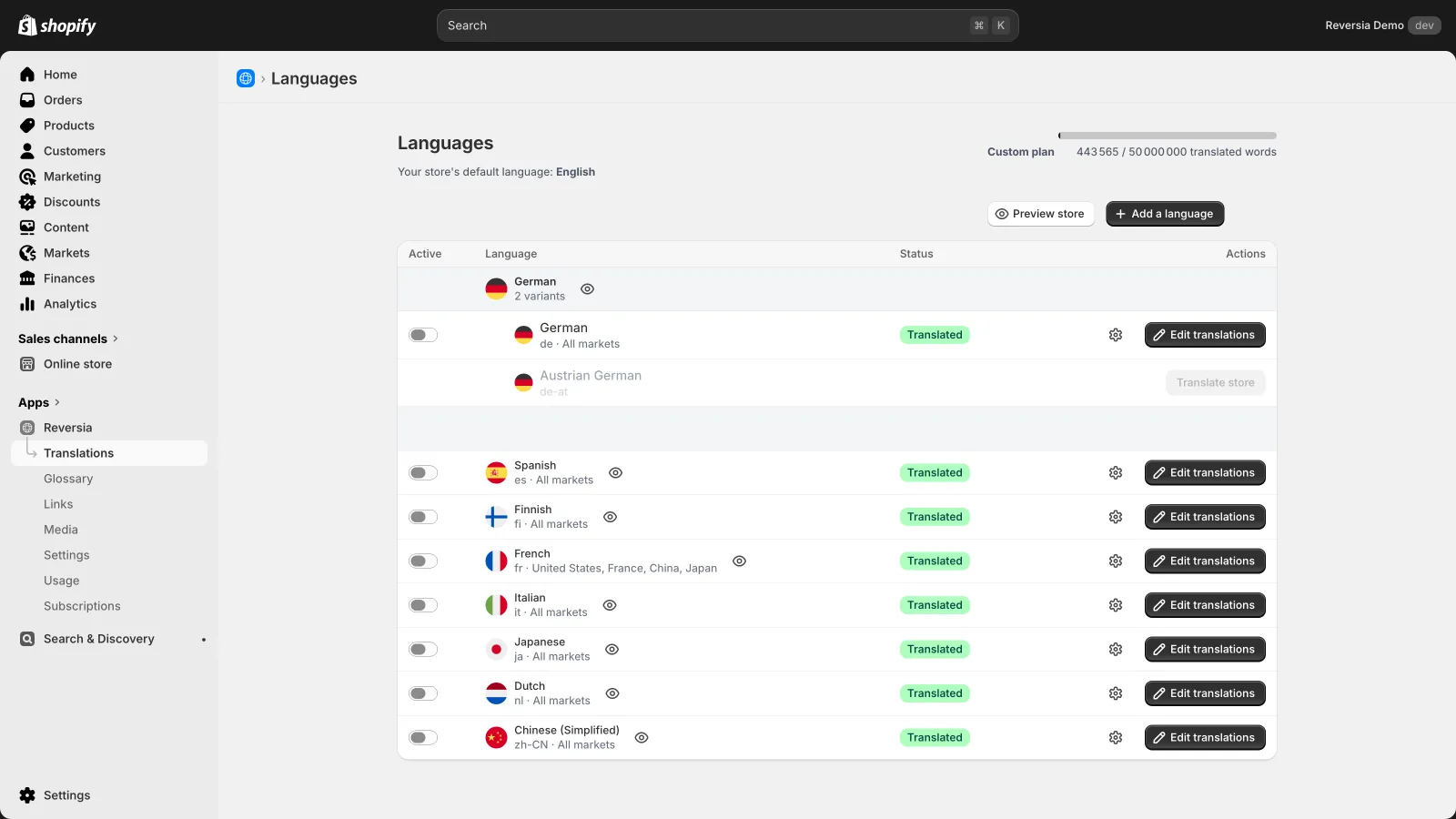
You sell to the Netherlands and Belgium. Flemish seems to deserve its own variant, then a European catch-all for good measure. The result: three Dutch versions live, two of them near-identical, and an nl-EU that isn't even a valid hreflang code, since regions are countries, not continents.
- One base language (nl) covering all speakers by default
- A regional variant (nl-BE) only if the content genuinely diverges: pricing, legal text, vocabulary
- Never a « continent » variant: it only dilutes
One good variant beats three anxious ones. If your Belgian page is a carbon copy of the Dutch one, you're just giving Google two near-duplicates to referee.
Mistakes #3 to #5: the invisible plumbing
The last three mistakes can't be seen by browsing the store, which makes them all the more costly:
- Orphan hreflang: you only publish part of the pages in language 2, but Shopify references translated URLs that don't exist
- Inconsistent canonicals: translated variants pointing their canonical back at the primary version, which will therefore never rank
- Incomplete coverage: metafields, theme strings, filters, tags and third-party app content left in the original language
An audit is worth the detour: open Search Console, filter on your language subpaths, and look at what Google actually indexes.
Where Translate & Adapt hits a structural ceiling
Even perfectly configured, the app remains a content-translation layer, not a localisation and international-SEO layer:
- Handles are per language, not per market: no way to customise a URL for a single country
- Collection filters, tags, product images and third-party app content stay out of reach
- hreflang and canonical behaviour can't be finely steered
- Beyond two languages, automation disappears and the plumbing becomes a second job
For one or two markets, you can manage that plumbing by hand. At five or ten locales, you need a tool built for it.
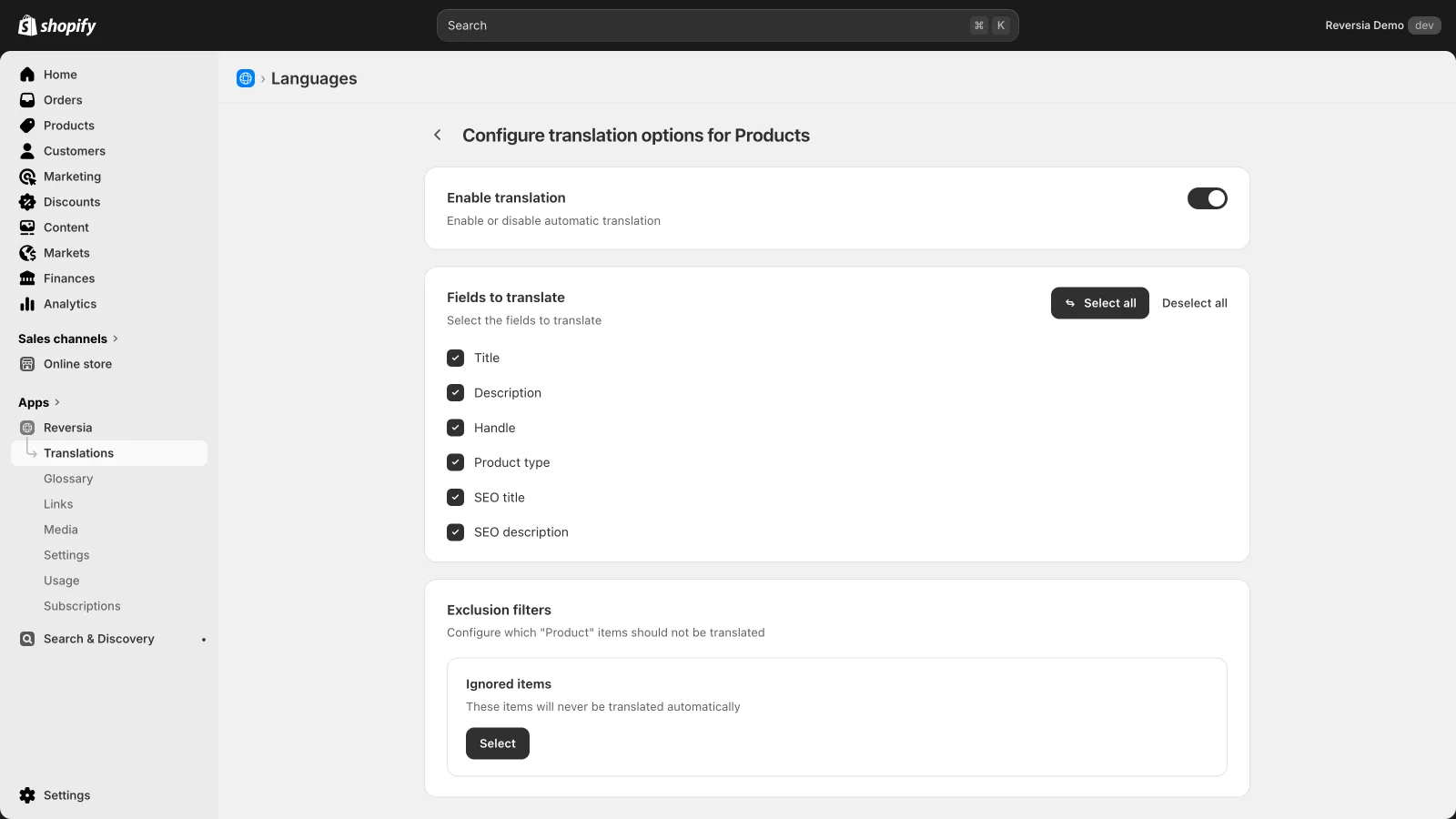
What Reversia solves out of the box
Reversia was designed precisely so these five mistakes can't happen:
- URL handles translated automatically, no field-by-field typing, no CSV juggling
- Metafields, metaobjects and technical content covered by default: no more 80%-translated pages
- Languages cleanly assigned to markets from a single page, regional variants included
- hreflang, sitemaps and SEO metadata handled automatically and consistently
- New content detected and translated: the configuration doesn't decay over time
- Localized images per language and market, which the official app doesn't offer at all
Quality is framed by your glossary and brand prompt, powered by Anthropic's Claude AI. Plans start at $299 per month.
Keep Translate & Adapt, or move on?
The honest answer fits in two columns:
| Keep Translate & Adapt if… | Switch to Reversia if… |
|---|---|
| You serve one or two markets | You're targeting three or more languages |
| Your catalogue rarely changes | Your products and content move every week |
| You're willing to do the configuration by hand | You want handles, hreflang and metafields handled by default |
| Budget is the absolute constraint | Team time is the absolute constraint |
Move on when the plumbing becomes the job. That's not a failure of the app: that's you succeeding into a bigger problem. The tool is never what breaks; the assumption that installing it finished the work is.
Compare Reversia and Translate & Adapt in detail
FAQ: Translate & Adapt mistakes
Can Translate & Adapt really translate URL handles?
Yes, since early 2023. But the feature is recent, easy to miss, and stores set up before that date still carry their original slugs: it's the most widespread mistake.
The /products/ prefix stays in English, is that a problem?
No. That segment isn't translatable on any Shopify store, Google has indexed the pattern forever, and no customer abandons a purchase over it. Focus on the handle, not the prefix.
Should you create a language variant per country?
Only if the content genuinely diverges (pricing, legal text, local vocabulary). A carbon-copy variant creates cannibalisation, and « continent » region codes like nl-EU aren't valid.
How does Reversia avoid these mistakes?
By automating them away: handles, metafields, hreflang and sitemaps are translated and maintained by default, languages are assigned to markets from a single page, and new content is detected and translated without intervention.