Selling internationally on Shopify long meant multiplying stores: one per country, duplicated themes, catalogues to keep in sync. Shopify Markets replaced all of that with a simple idea: one store, with « markets » configured on top.
This guide covers the essentials end to end: structuring your markets, handling currencies and local pricing, choosing your domain and language strategy, translating content, and deciding whether Managed Markets is worth it for you.
What is Shopify Markets?
Launched in 2021 and included in every plan, Shopify Markets is Shopify's international toolkit. A « market » groups one or more countries sharing the same settings:
- Local currencies: display and payment in 130+ currencies via Shopify Payments
- Languages: up to 20 published languages, with automatically generated hreflang
- Domains: subfolders, subdomains or local domains per market
- Pricing: automatic conversion with rounding, or percentage adjustments per market
- Duties and taxes: estimated or collected at checkout depending on your setup
- Local payment methods depending on the region
Since 2025, the Markets and Catalog APIs make all of this programmable: markets, prices and per-region catalogues can also be driven by code, and a store can hold up to 50 markets. Shopify's message is clear: not one store per country, one store that adapts to every country.
Structuring your markets: single countries or country groups
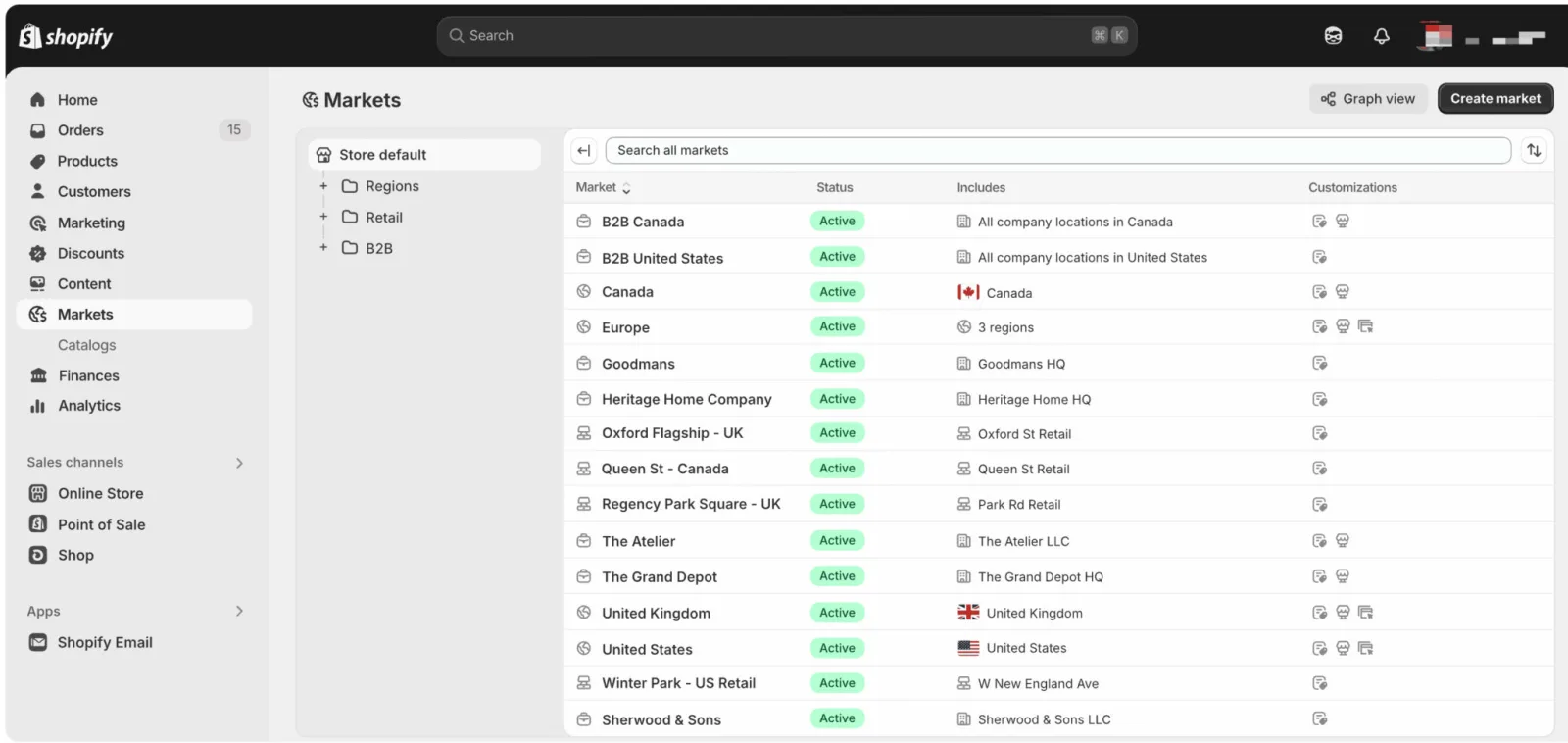
By default, Shopify creates a primary market (your home country) and an « International » market for the rest of the world. The whole logic is then about slicing: one market = a set of countries sharing settings, currency and languages.
- Open "Settings" then "Markets" in your Shopify admin.
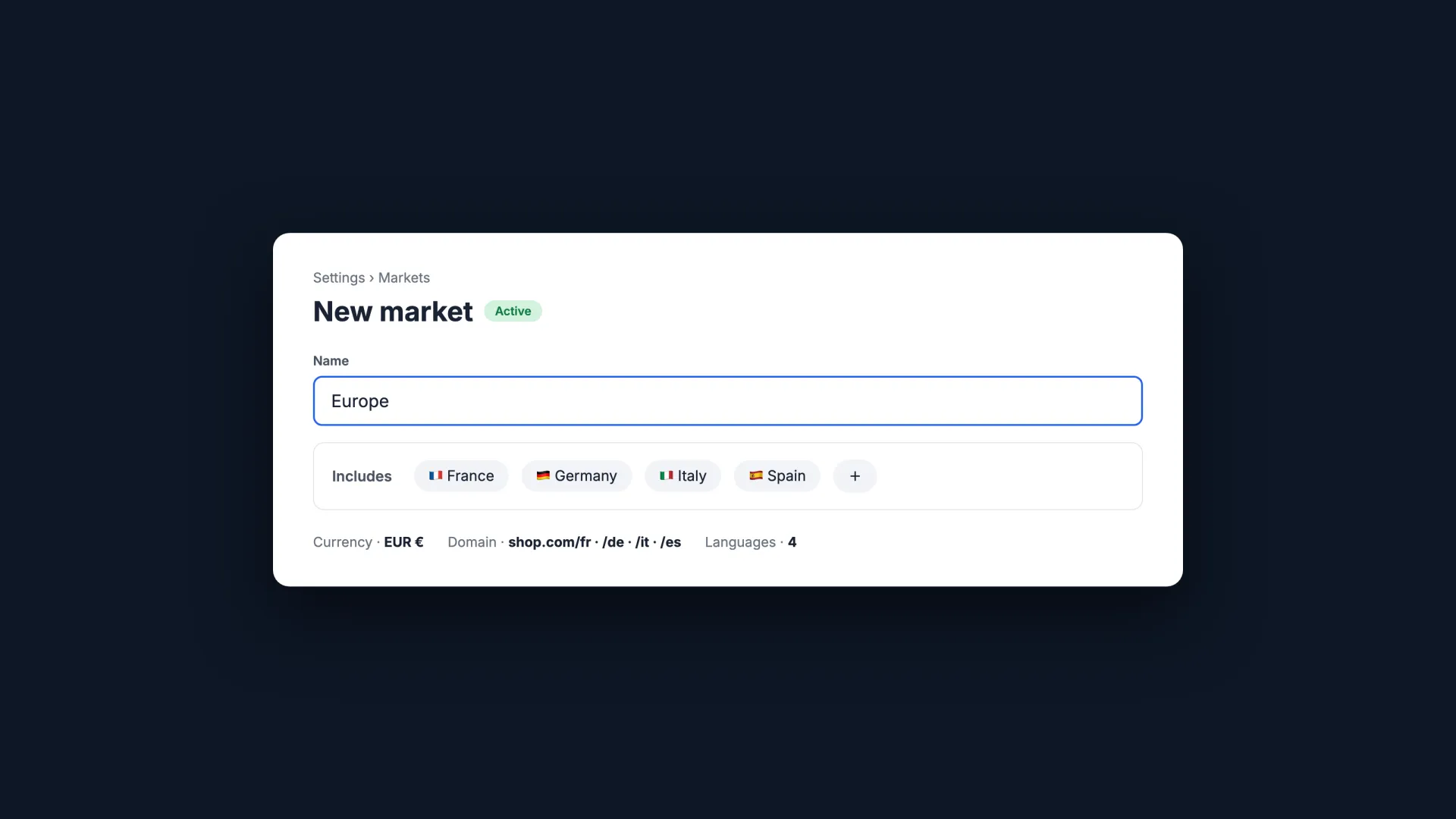
- Click "Create market" and name it (the name is internal, e.g. "Europe" or "DACH").
- Add the countries or regions concerned, a single country or a whole group.
- Save, then customize: the market inherits the default settings, every exception is configured afterwards.
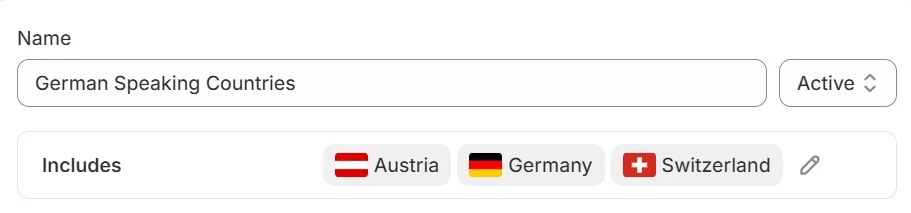
The right reflex: start with the two or three markets that really matter, learn, then expand. Switching on 50 countries on day one only multiplies the settings you'll have to maintain.
Currencies, local pricing and shipping
Showing prices in the visitor's currency is one of the most direct conversion levers internationally. The checklist to make it all work:
- Enable Shopify Payments: it's the prerequisite for multi-currency
- Tick local-currency selling for each relevant market
- Check that your theme shows a country/currency selector, or add one
- On Advanced and Plus: adjust prices per market (percentages or psychological rounding)
- Configure shipping zones and rates for every market: without a valid rate, checkout is simply impossible in that region
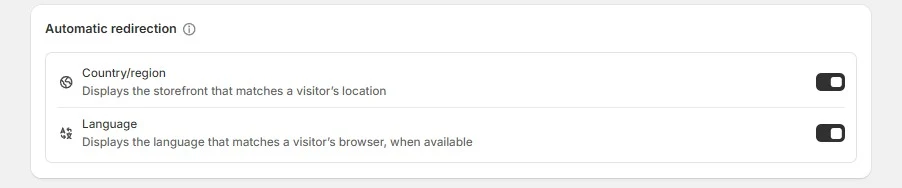
On fees, as of July 2026: currency conversion costs 1.5% per transaction, and duties and taxes calculation 0.85% with Shopify Payments. These fees are built into the prices shown to the customer.
Languages and domains: three possible structures
Each market can have its own URL and languages. Three structures exist, with a real SEO trade-off:
| Structure | Example | What to remember |
|---|---|---|
| Subfolders | shop.com/fr, /de, /it | Shopify's default: simple, and all SEO authority stays on a single domain |
| Subdomains | fr.shop.com | Clean separation per market, but authority fragments |
| Local domains | shop.fr, shop.de | Maximum local signal, at the cost of heavier domain management and budget |
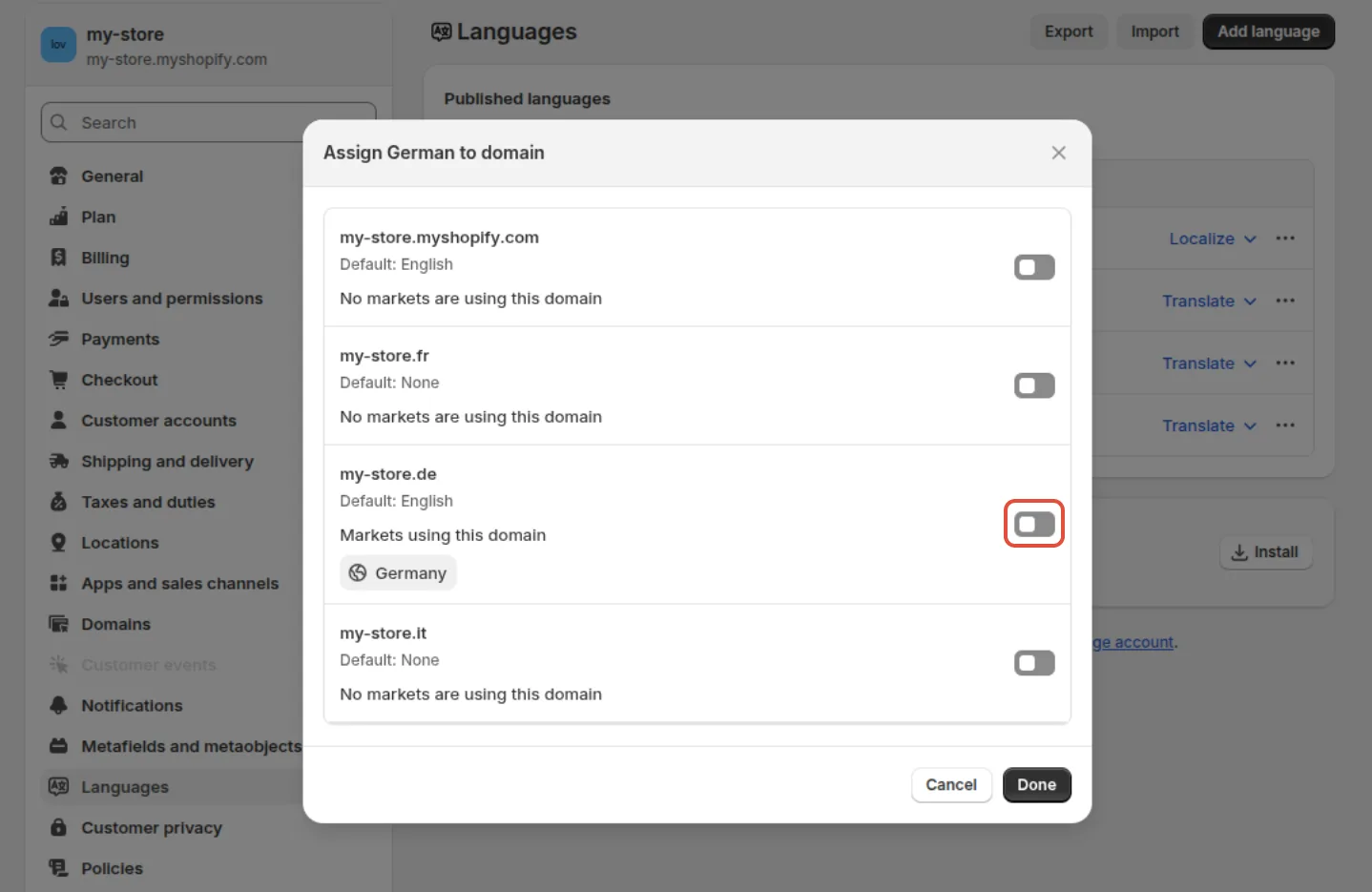
In all three cases, Shopify generates hreflang and the sitemap automatically. Assignment happens under « Settings » then « Languages »: each language's « ⋯ » menu lets you tie it to a specific domain or market.
For most stores, subfolders are the best starting point: zero cost, consolidated authority, and you can always move a market to a local domain once it justifies it.
Translating each market's content
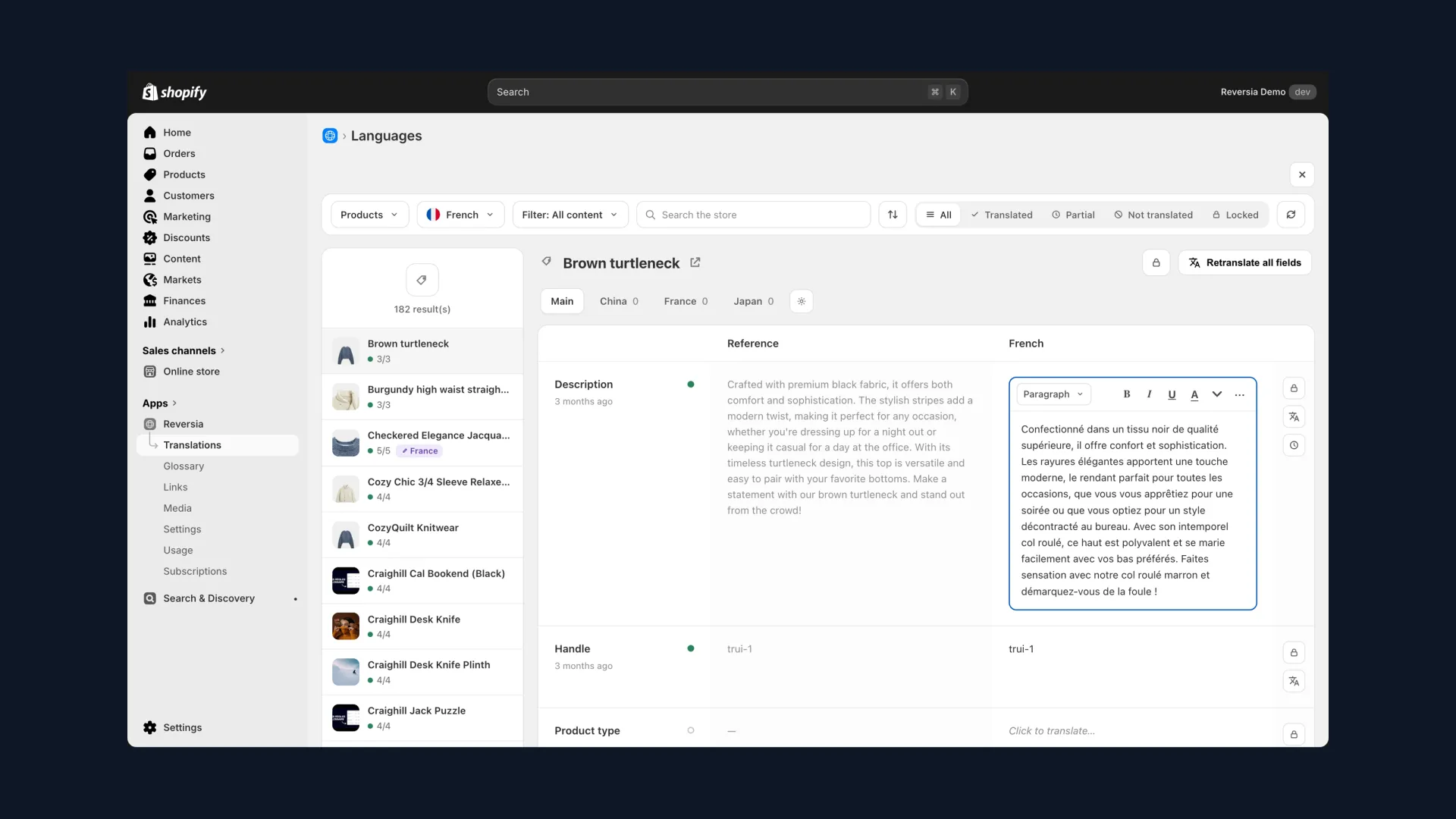
Markets builds the structure but translates nothing: a Germany market without German content is still a French store with prices in euros. The free Translate & Adapt app helps at first, with its known limit of two auto-translated languages.
- Reversia translates all your languages automatically, with Anthropic's Claude AI framed by your glossary
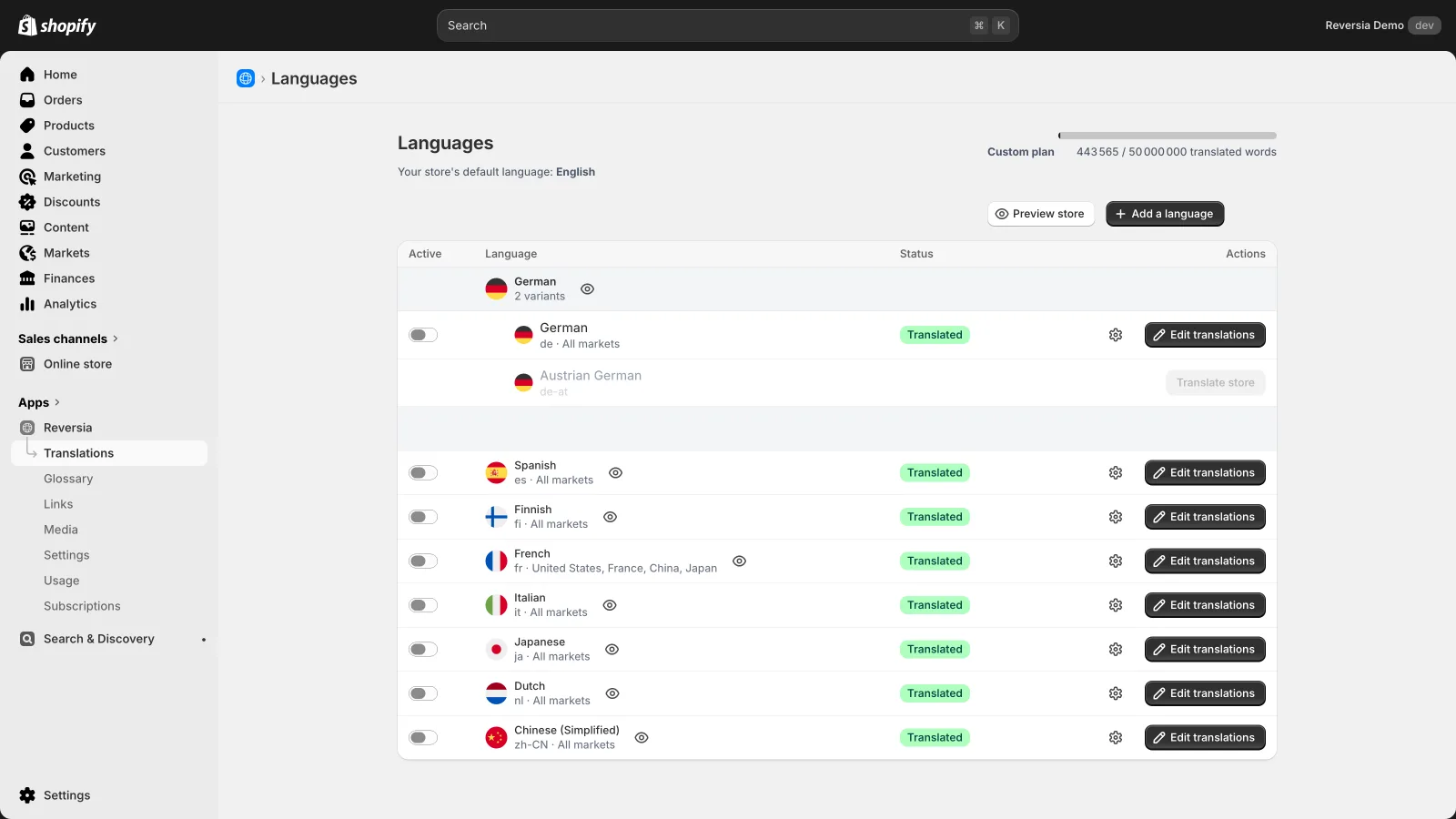
- Each language is assigned to its markets from a single page, regional variants included (Austrian German, for instance)
- Metafields, theme content and URL slugs are covered by default
- Images localize per language and per market: one visual for France, another for Japan
- New content is detected and translated: your markets don't drift out of sync
It's the natural complement to Markets: Shopify handles the market plumbing, Reversia fills each market with the right content. Plans start at $299 per month.
Markets, Expansion Stores or Managed Markets?
Three approaches coexist for selling internationally on Shopify. The choice boils down to this:
| Approach | Who it's for | What to remember |
|---|---|---|
| Shopify Markets | The vast majority of stores | One store, markets configured on top: fast, centralized, affordable |
| Expansion Stores (separate stores) | Brands needing radically different experiences per country | Total control, but costs and complexity multiply with each store |
| Managed Markets (ex Markets Pro) | US merchants wanting to offload compliance | Shopify/Global-e becomes merchant of record: duties, taxes and fraud handled, for 6.5% per international order |
A note on Managed Markets: reserved for US-based merchants on Shopify Payments, it adds a 6.5% fee per international order and 2.5% for conversion, passed on to the customer. In exchange, no VAT registrations or customs to manage: Global-e takes care of it.
The limits to know before diving in
Markets is solid, but a few blind spots are worth anticipating:
- Gift cards always stay in the store's base currency
- No market-specific metafields to date
- Checkout branding and notifications are shared across all markets
- Shipping logic stays global, with no fine-grained per-market customization
- Managed Markets is unavailable outside the United States
- Per-market analytics still have gaps
Nothing blocking to get started, but better to know before building a strategy on top: most of these limits can be worked around, often with a dedicated app.
FAQ: Shopify Markets
How many markets can you create on Shopify?
Up to 50 markets per store, each grouping one or more countries. In practice, a few well-configured markets beat dozens of empty ones.
Is Shopify Markets paid?
No, Markets is included in every plan. Fees apply on usage: 1.5% per transaction for currency conversion, 0.85% for duties and taxes calculation with Shopify Payments. Some advanced pricing settings require an Advanced or Plus plan.
Do you need one domain per country?
No. Subfolders (shop.com/de/) are the recommended default: they consolidate your SEO authority on a single domain. Local domains make sense for major markets, once traffic is established.
How do you translate each market's content?
Markets doesn't translate anything itself. Translate & Adapt covers two languages automatically; beyond that, an app like Reversia translates all your languages, assigns them to their markets and localizes down to the images.