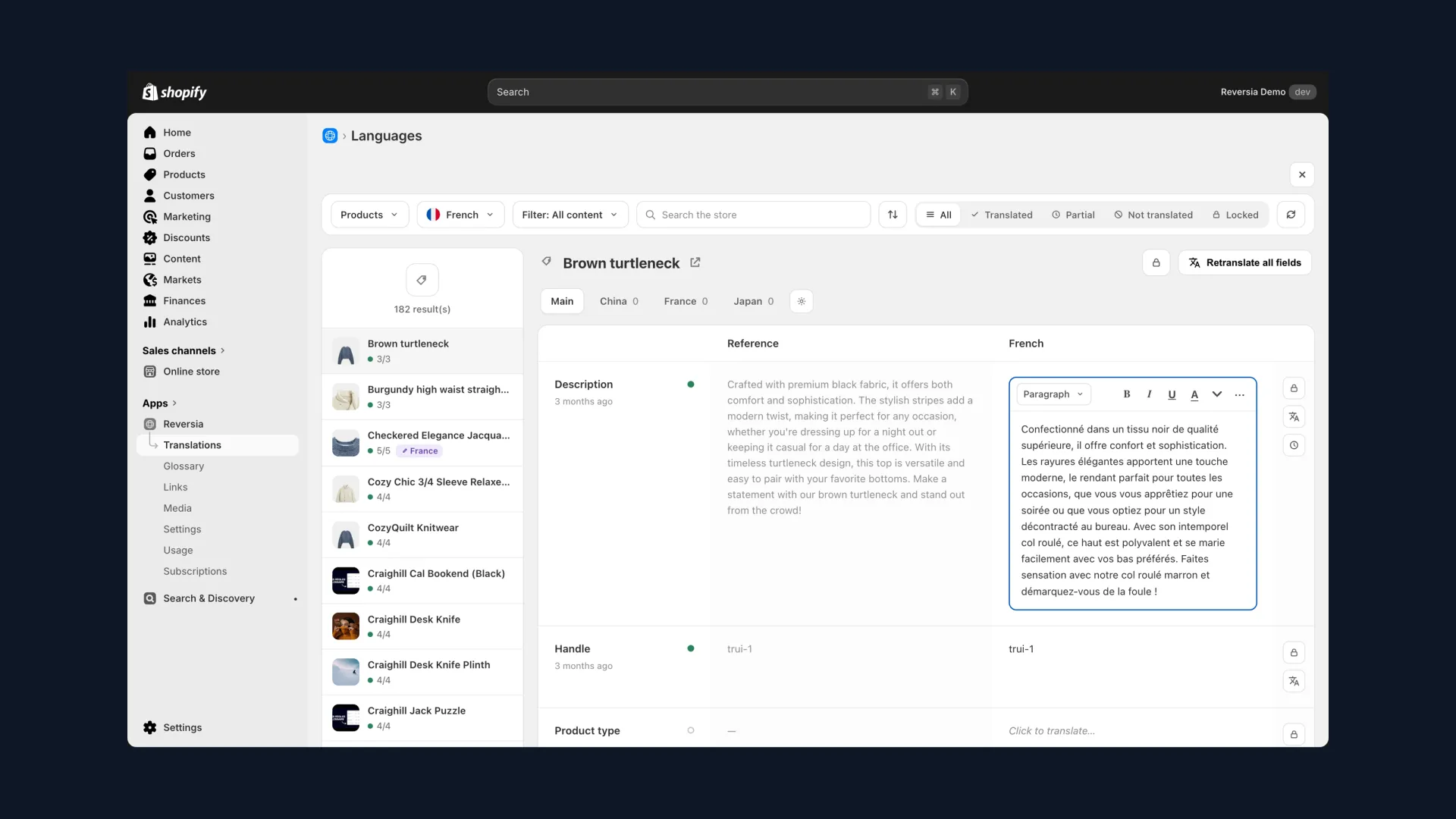
Shopify Translate & Adapt is free, native and installed in two clicks. To test a first market, it's hard to beat. But between the App Store listing and the reality of a growing store, the gap is real.
We've compiled the app's documented limitations, the ones merchants discover in production. Here they are, organised by theme, with the fix for each.
What Translate & Adapt does well
Fair's fair, the official app has real strengths:
- 100% free, no subscription, no time limit
- Native: built into the Shopify admin and Shopify Markets, maintained by Shopify
- Easy to pick up, with a familiar side-by-side editor
- SEO basics covered: automatic hreflang, translatable slugs, sitemap
It's the ideal tool for offering a first localized experience at zero cost. The problems start when the store scales.
The 10 limitations at a glance
The table below sums up the dossier. Each row is detailed further down.
| # | Limitation | Impact |
|---|---|---|
| 1 | Auto-translation capped at 2 languages | The 3rd language is 100% manual |
| 2 | 100-million-character yearly quota | Large catalogues burn through it, back to manual |
| 3 | No detection of new content | Translations drift out of sync continuously |
| 4 | Rigid CSV export / import | No filtering by product or content type |
| 5 | Google Translate with no glossary or rules | Inconsistent terminology, unprotected brand |
| 6 | No preview or staging | Translations go live without in-context review |
| 7 | Incomplete multilingual SEO | Partial slugs, locked hreflang, fragile canonicals |
| 8 | No image localization | Visuals with text stay in the original language |
| 9 | Third-party app content out of reach | Reviews, forms and widgets stay untranslated |
| 10 | Changing the default language wipes translations | A setup decision becomes irreversible |
Add two user-reported irritants: no backup export of your translations, and a language switcher that's hard to customise.
Capped automation
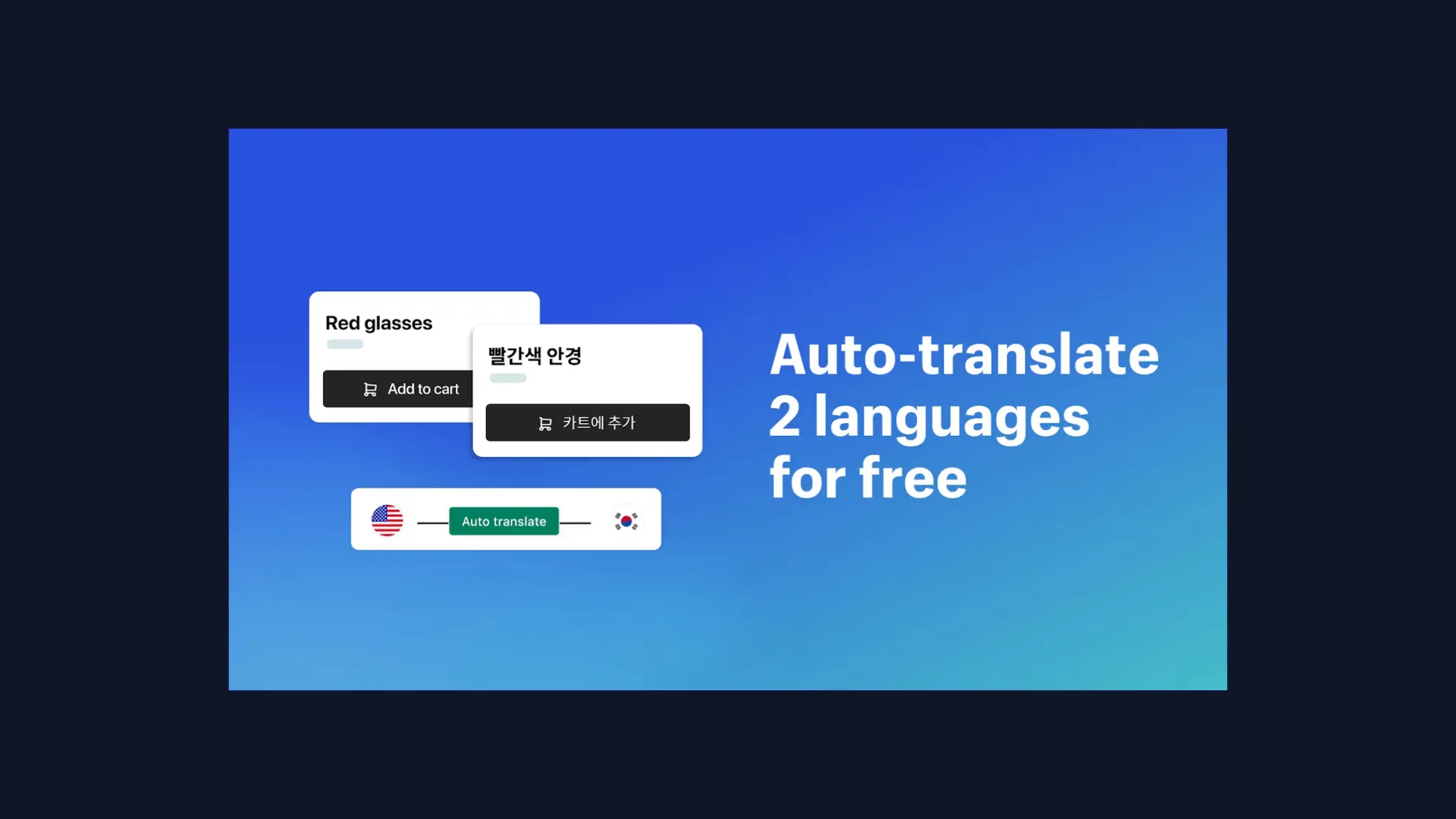
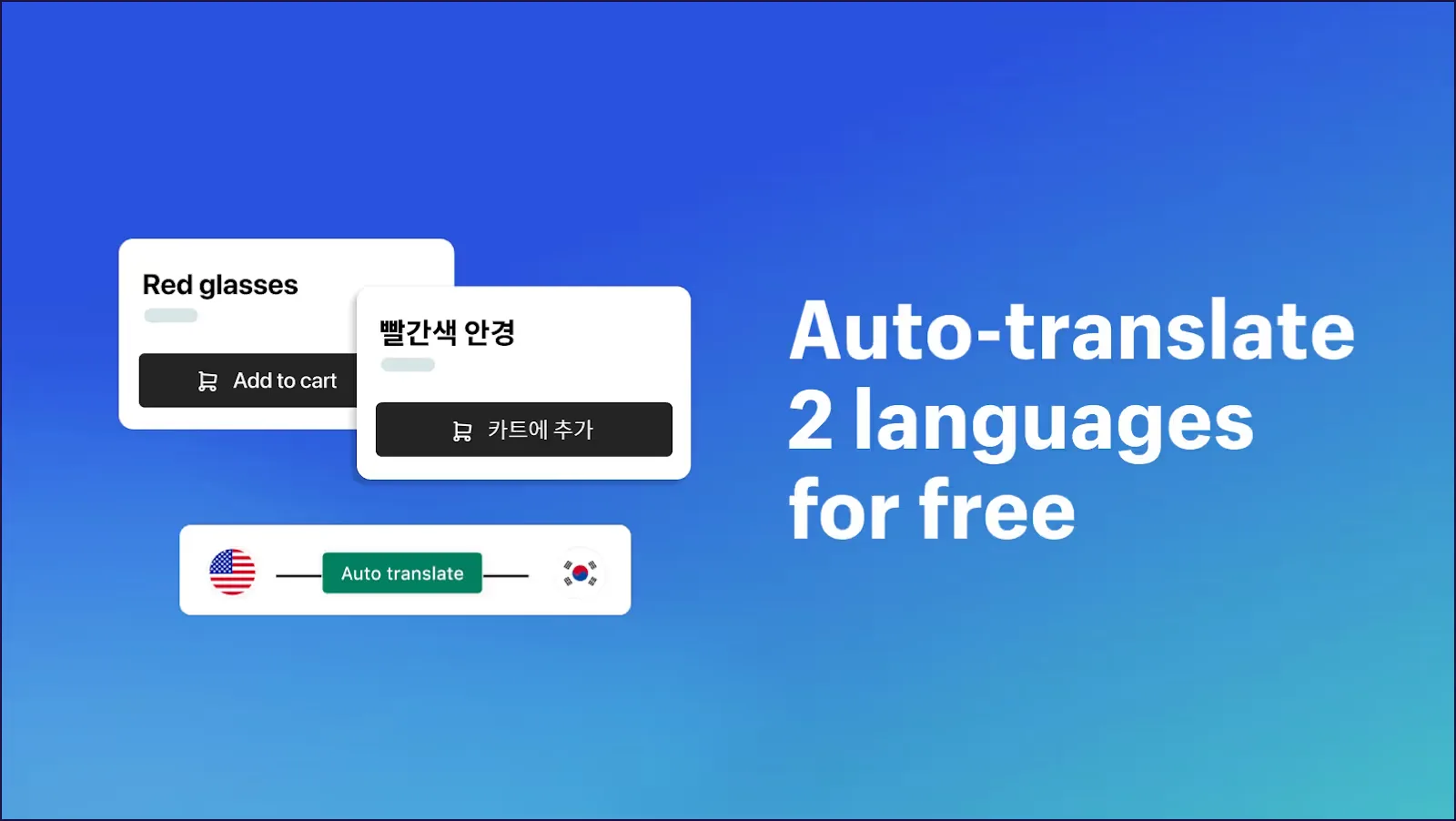
The App Store listing's promise is explicit: « auto-translate 2 languages for free ». The ceiling is owned, but its consequences add up:
- Two auto-translated languages maximum, whatever your Shopify plan; every extra language is typed in by hand
- A yearly quota of 100 million characters: comfortable on paper, quickly consumed by a few hundred detailed product pages
- No detection of new content: every added product or edited page must be spotted and retranslated manually
- CSV exports with no filters by product, content type or metafield, complicating campaign or launch preparation
The result: the more the store moves, the wider the gap between source content and its translations grows, silently.
Generic quality, no guardrails
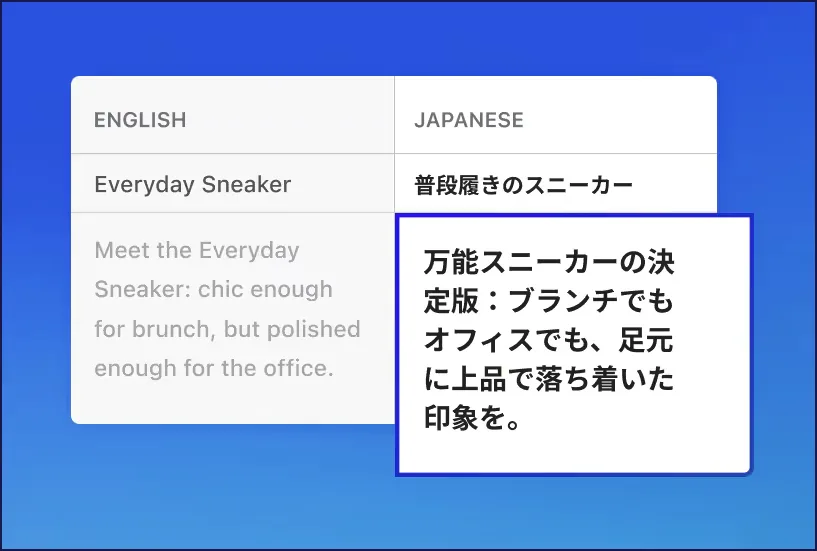
Auto-translation relies on Google Translate, with zero business context. Fine for simple text; for niche vocabulary, mistranslations come fast. Think of a « brightening » skincare product translated as « lightening »: the meaning changes, and in some industries, so does compliance.
- No glossary or exclusion rules: brand names and product lines can be translated any which way
- No preview: translations appear directly on the live storefront, with no in-context review possible
- Unpublished themes can't be translated: no way to prepare a redesign or launch ahead of time
Merchants also report translations that don't « stick » on the storefront and edits to redo, a recurring irritant in App Store reviews.
Incomplete multilingual SEO
The basics are there, but every brick has its asterisk:
| SEO brick | What Translate & Adapt does |
|---|---|
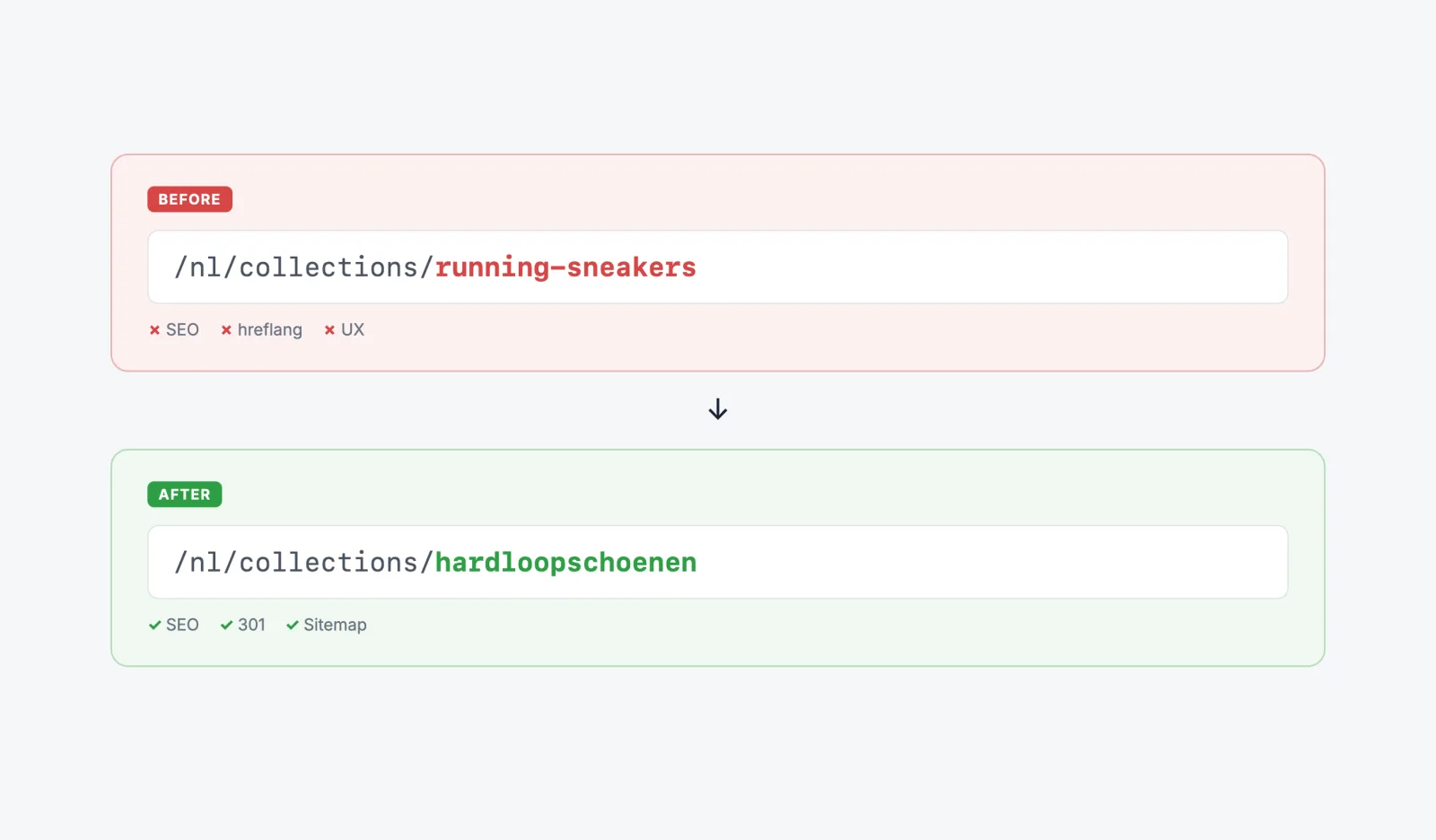
| URLs | Slugs translatable by hand, but /products/ and /collections/ stay in the original language |
| Per-region slugs | Impossible: France and French-speaking Canada share the same URL |
| hreflang | Auto-generated but locked, not editable without going through Shopify support |
| Canonicals | Conflicts across language versions are regularly reported |
| Metadata | Translatable but with no dedicated per-language tooling |
Individually, each point is a detail. Combined, they cap the international visibility translation was supposed to unlock.
The blind spots that get expensive at scale
Then come the structural limits, the ones no configuration works around:
- No image localization: text baked into your banners and guides stays in the original language
- Third-party app content (reviews, forms, calculators) is only translated if the app uses Shopify's translatable resources
- Changing the store's default language wipes existing translations: an early decision becomes permanent
- No backup export: your translations are neither portable nor easily recoverable
- A language switcher tied to your theme's choices, hard to style and position
It's the portrait of a tool designed for getting started, not for running serious multilingual operations over time.
What Reversia changes, limit by limit
Reversia was built precisely on those gaps:
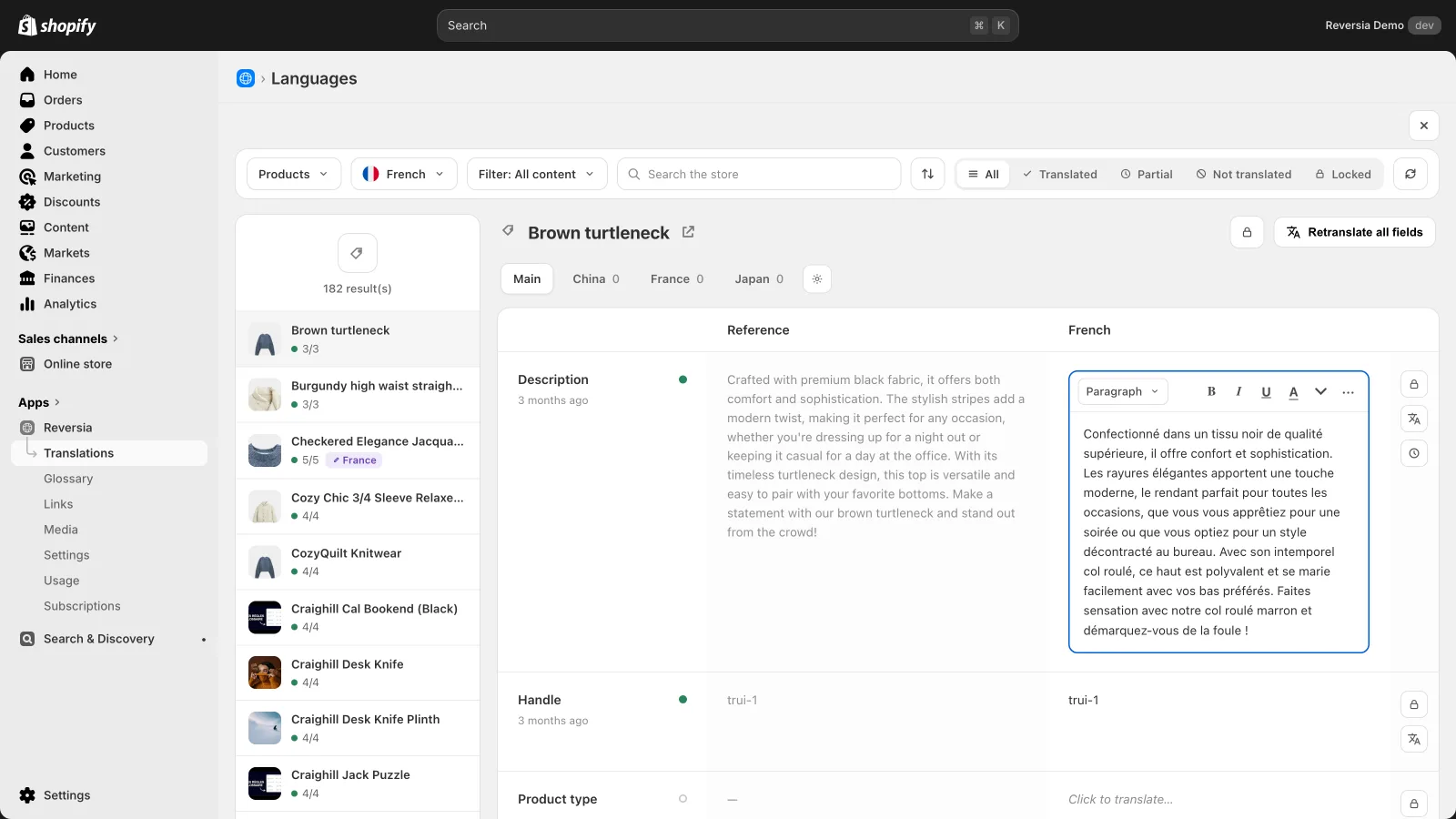
- All your Shopify languages translated automatically, no language quota
- New content detected and translated: translations no longer drift out of sync
- Anthropic's Claude AI framed by your glossary and brand prompt, no more mistranslated vocabulary
- Complete SEO: URL handles translated automatically, hreflang and metadata handled
- Localized images per language and market, products and theme alike
- Every field stays reviewable, editable and lockable before going live
Plans start at $299 per month, with human support 7 days a week. Data as of July 2026.
Verdict: who Translate & Adapt is still right for
The honest decision grid fits in two columns:
| Stay on Translate & Adapt if… | Switch to a dedicated app if… |
|---|---|
| You're testing a first market with 1 or 2 languages | You're targeting 3 or more languages |
| Your catalogue is stable and compact | Your content changes every week |
| Budget matters more than time spent | Team time is your real constraint |
| You have few visuals and third-party apps | Images, reviews and widgets are part of the experience |
Shopify's free app isn't a bad tool: it's an entry-level tool, excellent within its scope. The whole game is recognising the moment your store outgrows it.
Compare Reversia and Translate & Adapt in detail
FAQ: Translate & Adapt limitations
What happens when the 100-million-character quota runs out?
Auto-translation stops until the following year: every new translation has to be typed in manually. Large or frequently updated catalogues can exhaust it well before year-end.
Does changing the default language really wipe translations?
Yes, it's a destructive change in Translate & Adapt: translations tied to the old default language are lost. Choose your starting language carefully, or use a tool that stores translations independently.
Will Translate & Adapt stay free?
It's an official Shopify app with no paid plan to date, and nothing points to a change. The real question is the hidden cost: manual input time beyond two languages.
Does Reversia lift all these limits?
The ten listed here, yes: unlimited languages, new-content detection, glossary, complete SEO, localized images, and translations stored natively in Shopify, so they're kept even if you change tools.