Your Shopify store is doing well at home and you're now looking abroad? Translating your site is the step that unlocks everything else. The good news: building a multilingual store has never been faster. The catch: not every method is equal, and some quietly cost you dearly in SEO before you even notice.
In this guide, we review the three ways to translate a Shopify store - native tools, Shopify App Store apps, and AI translation - then show you how Reversia translates your entire catalogue in just a few minutes, while keeping your search rankings clean and your copy under control.
Why translate your Shopify store?
Nearly 75% of internet users worldwide are not native English speakers, and the vast majority of shoppers prefer to buy in their own language. A product page that reads naturally in the customer's language means higher conversion, fewer abandoned carts and instant trust. Translation isn't a cosmetic detail - it's the prerequisite for any successful international expansion.
Beyond conversion, a properly translated and tagged store gets indexed by Google in every target market. This is where many merchants lose ground: they translate the visible text but forget the URLs, metadata and hreflang tags that make all the difference in multilingual SEO.
Shopify's native translation tools
Shopify natively supports multilingual selling through Shopify Markets, paired with the free Translate & Adapt app published by Shopify. It's the simplest starting point: everything happens inside your admin, with no code and no external service.
In practice, you add your languages, you publish, and a language selector appears on your store. Translate & Adapt offers free machine translation for two additional languages, which you can then review and edit manually.
How to enable a language in Shopify
The process is quick and requires no technical skills. From your Shopify admin, follow these steps:
- Open Settings, then Languages (or Markets, depending on your setup).
- Click "Add language" and select your target language(s).
- Check that your theme supports multilingual content - all recent Online Store 2.0 themes do.
- Install the free Translate & Adapt app to generate a first machine translation.
- Publish the language: the language selector then appears on your storefront.
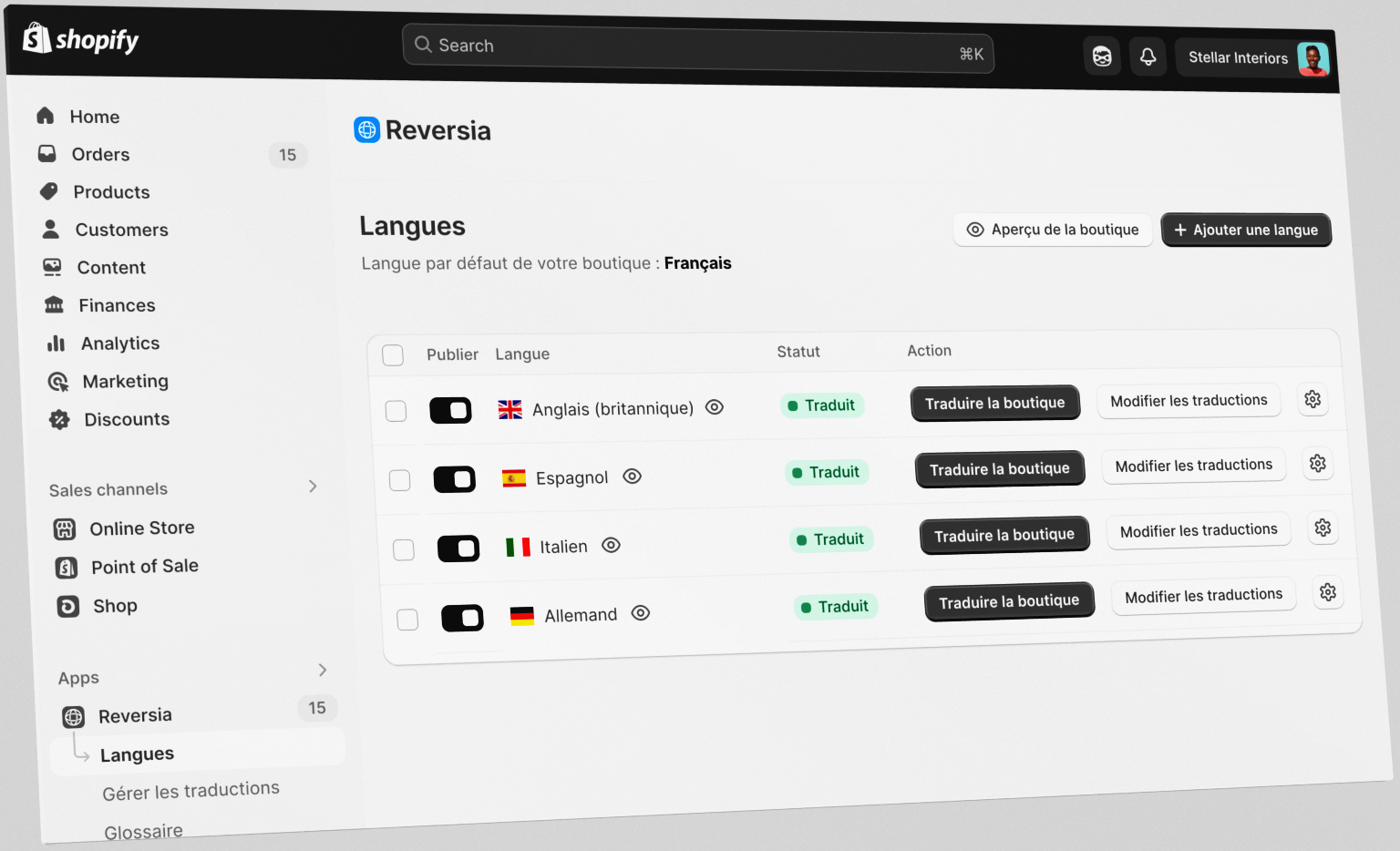
In a few clicks, your store is technically multilingual. But "displaying a language" and "being genuinely translated and well-ranked" are two different things - and that's where the limitations show up.
The limits of native tools
Native tools get you by for one or two languages, but quickly hit a ceiling once the project gets serious:
- Free translation capped at two languages: beyond that, machine translation is no longer included.
- Basic machine translation quality, poorly suited to e-commerce vocabulary and your brand tone.
- URLs and slugs not translated by default: your addresses stay in the original language, which hurts local SEO.
- Some content escapes translation: tags, metadata and content from certain third-party apps.
- No glossary to lock product names, industry terminology or brand expressions.
- No automatic detection of new content: every new product has to be re-translated by hand.
Shopify App Store translation apps
To go further, the Shopify App Store is full of dedicated apps. Proxy-based solutions like Weglot translate your store through external servers and install in minutes, while local solutions like Langify store translations directly in Shopify and give you more control.
These apps fix some of the native gaps (better machine translation, hreflang handling, checkout translation), but each comes with trade-offs: per-word pricing that balloons on large catalogues, dependence on a third-party service, an impact on load times, or heavier technical setup. The right choice depends on your catalogue size, your budget and how much weight you give to SEO.
Translate your Shopify store in minutes with Reversia
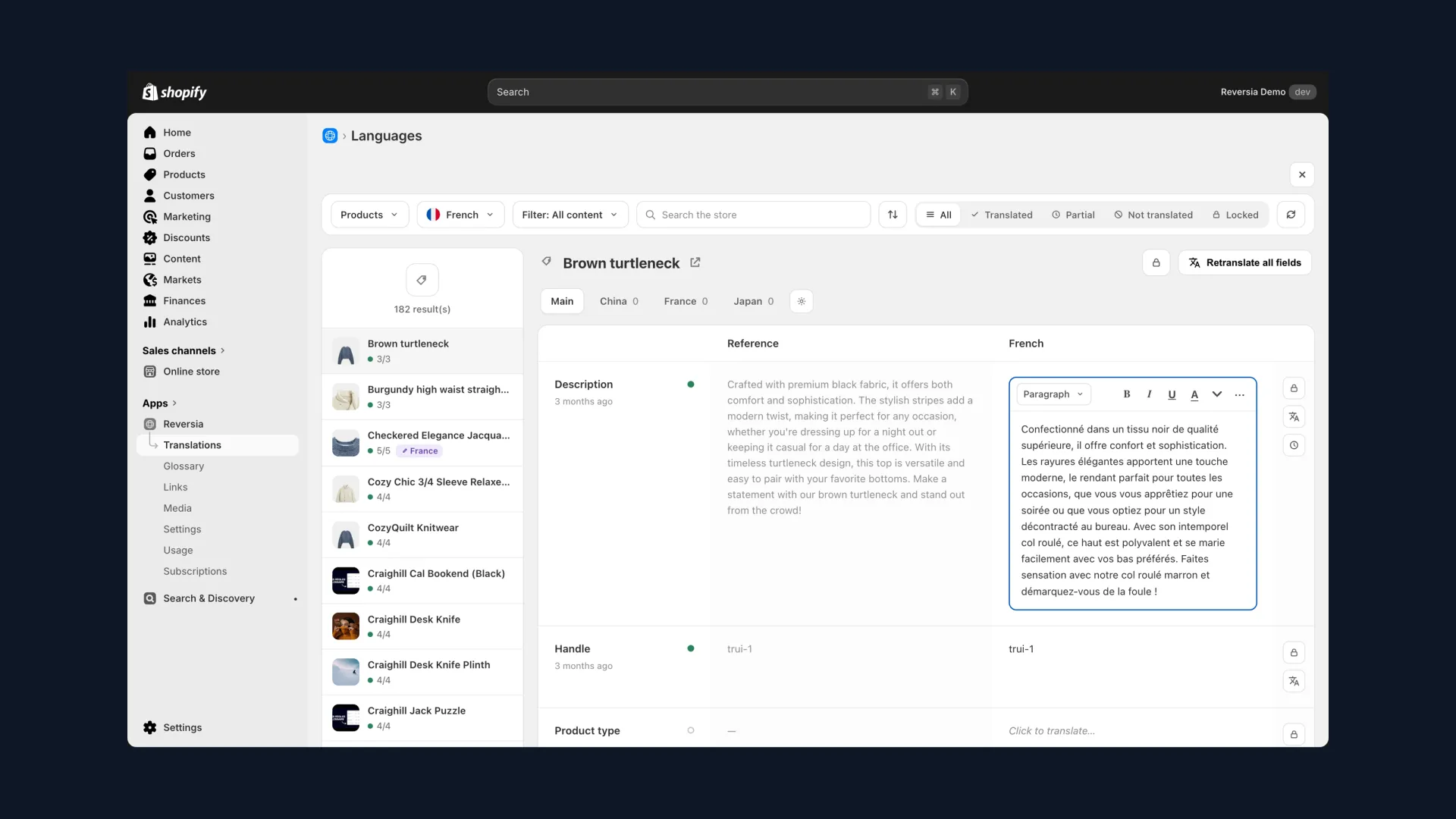
Reversia was designed to combine the best of both worlds: the speed of an automated solution and the control of professional translation. You connect your store, Reversia automatically detects all your translatable content, and translation begins. Within minutes, your catalogue is available in a new language.
The best way to understand it is to see the result. Here's a demo of Reversia running on a Shopify store:
1. AI translation, tuned for e-commerce
Reversia relies on Claude, one of the most capable language models on the market, fine-tuned for e-commerce vocabulary. The result is far more natural than standard machine translation: product pages read right, calls to action stay punchy, and your brand tone is preserved from one language to the next.
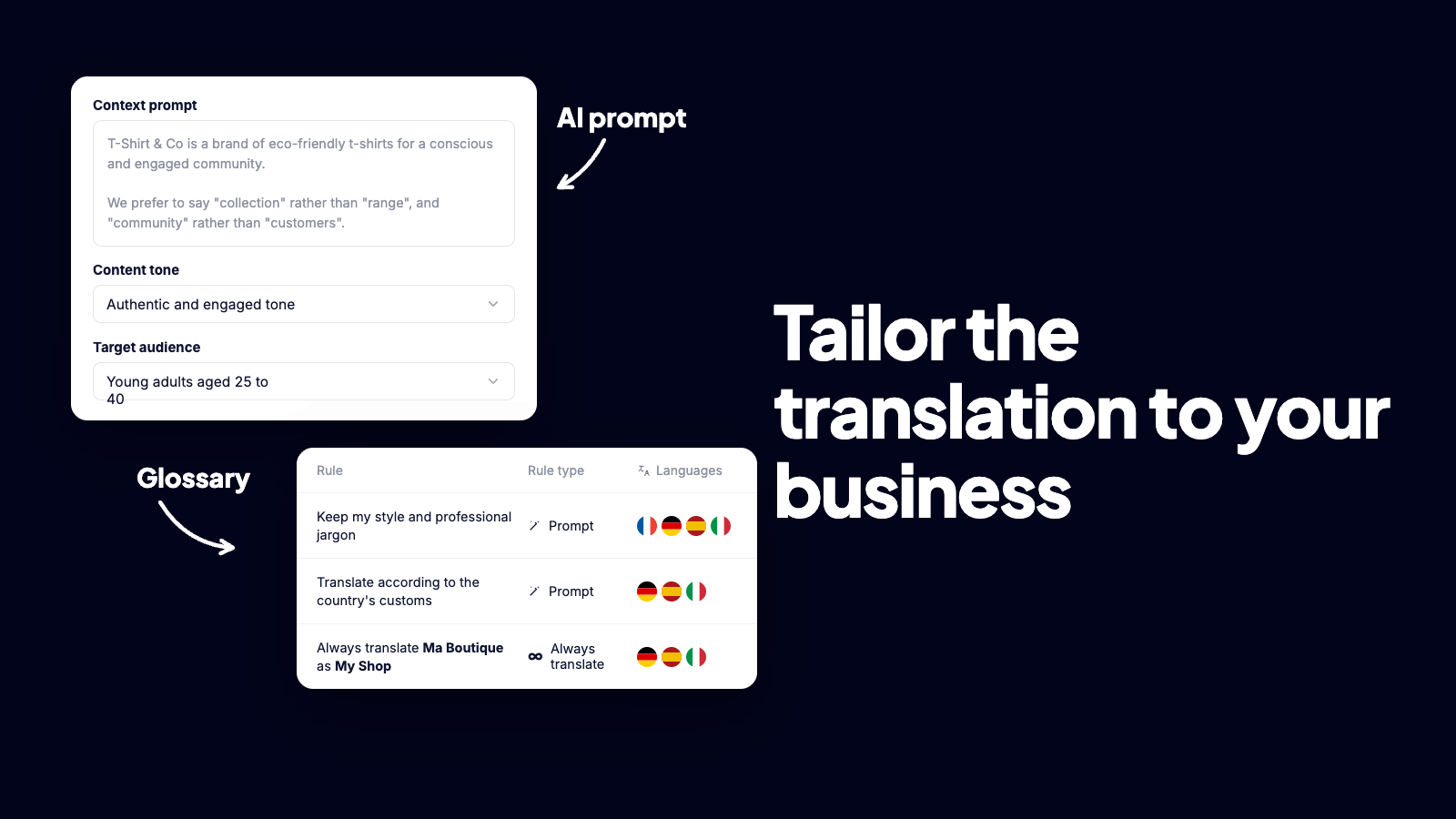
2. A glossary to protect your brand
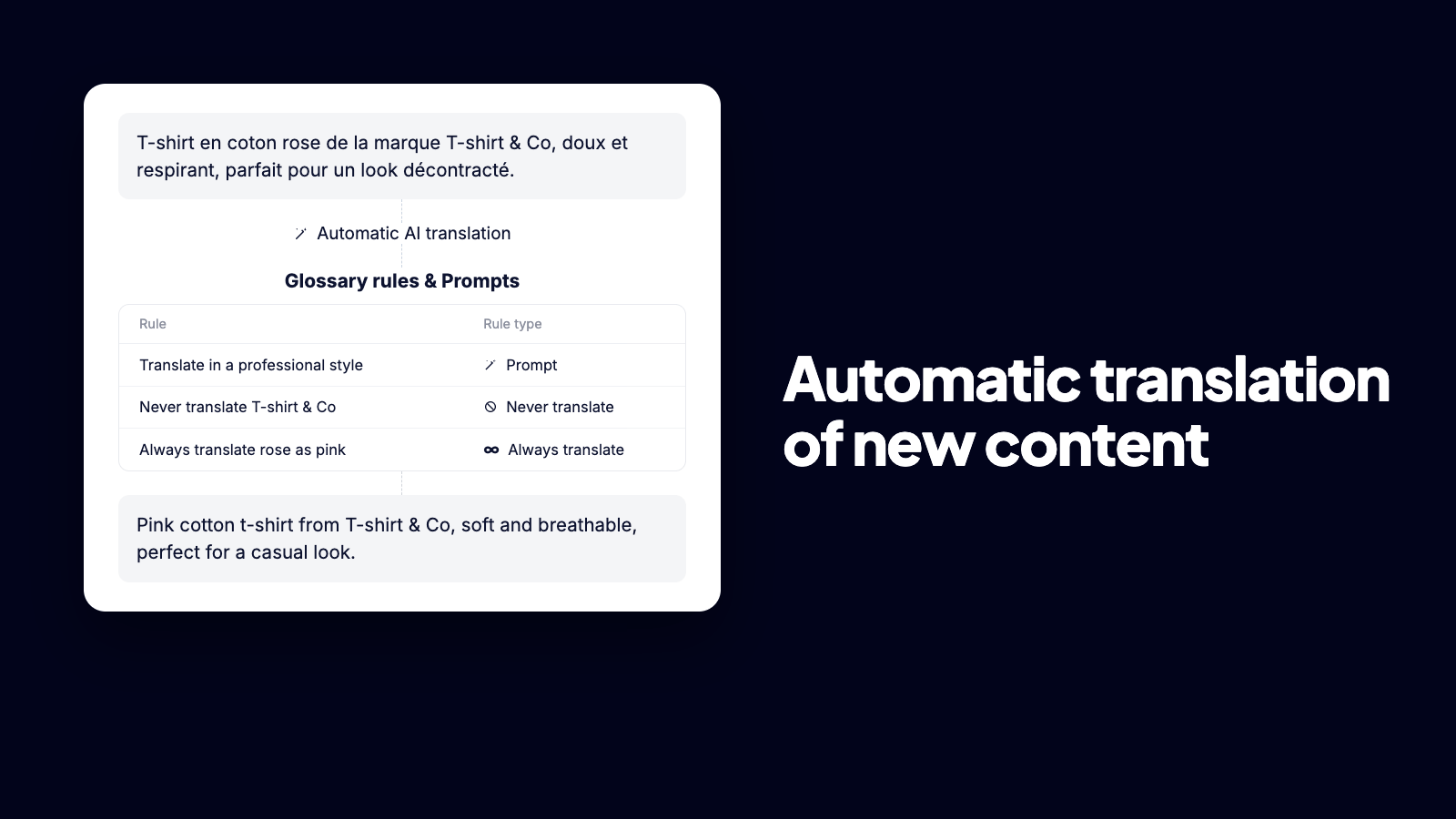
Product names, industry terminology, signature expressions: a glossary lets you freeze the translation of the terms that matter. You decide once, and Reversia applies your choices everywhere, across the whole store and in every language. No more inconsistencies from one page to the next.
3. Unlimited languages
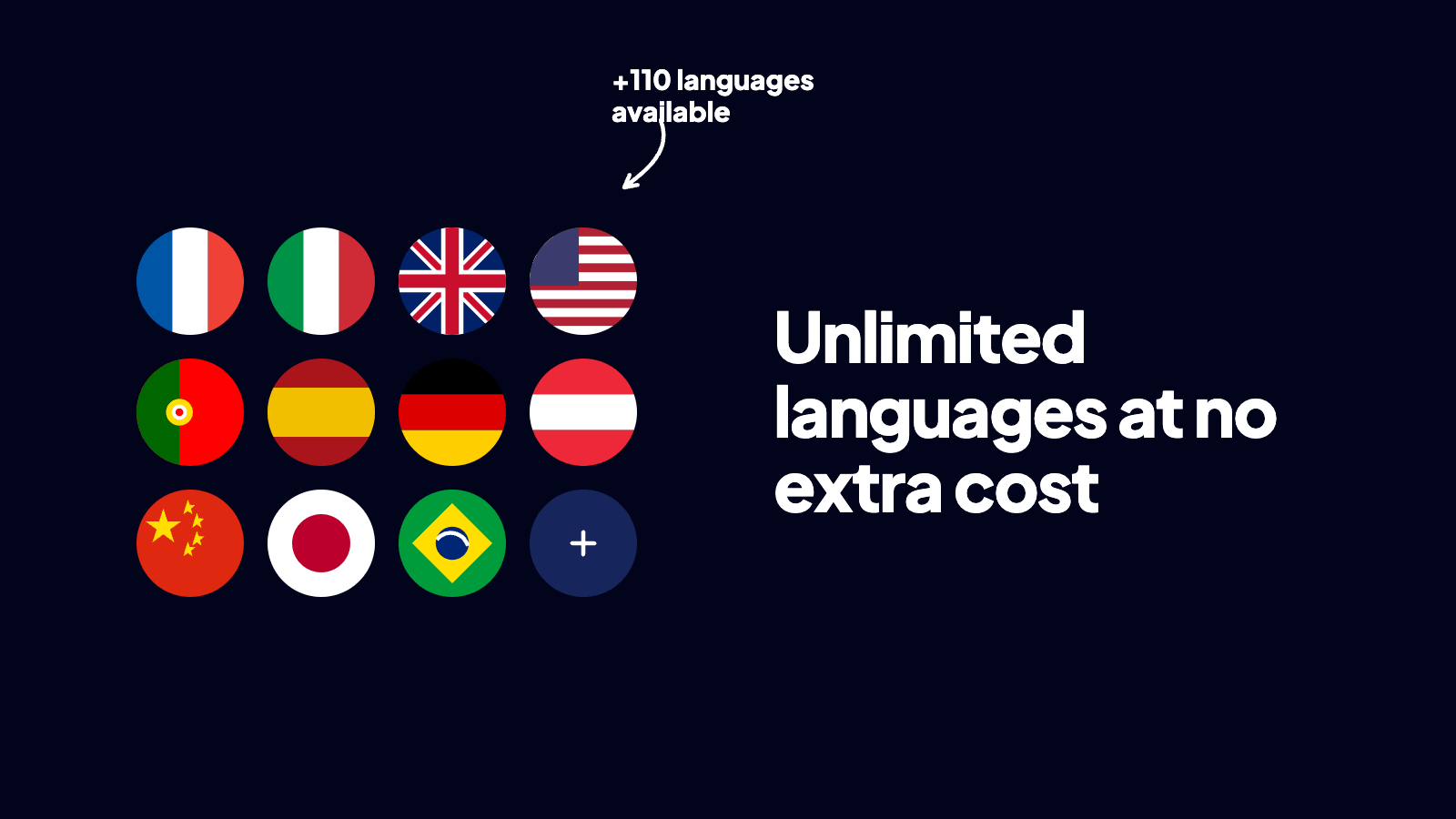
Where native tools cap you at two free languages, Reversia sets no limit. Add as many languages as you have markets to target, without starting from scratch each time. Your store grows at your pace, and every new language is translated with the same quality.
4. Clean multilingual SEO, by default
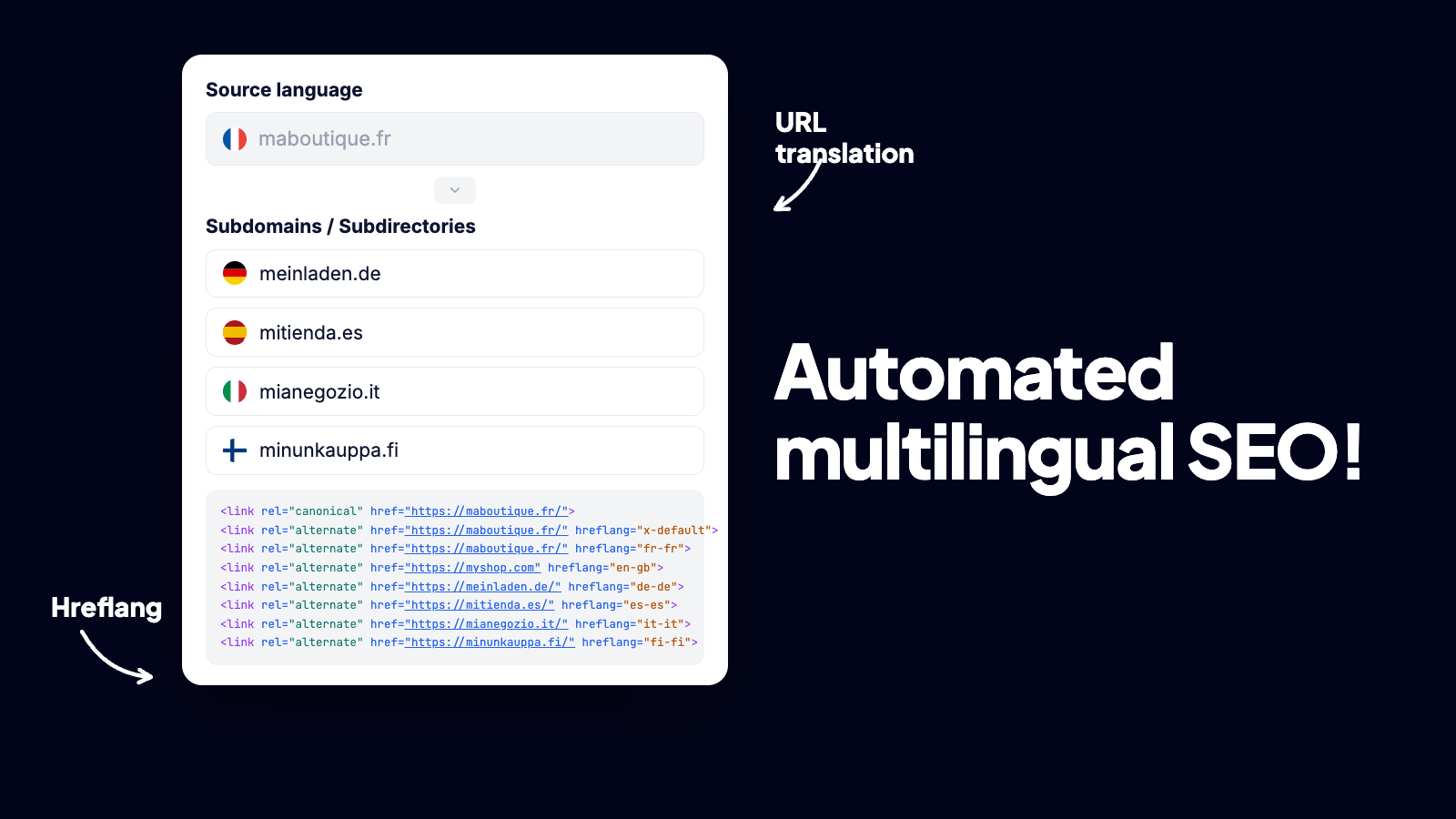
This is the most overlooked point - and the most profitable. Reversia translates your URLs, generates correct hreflang tags and localizes your metadata (titles, descriptions, tags). Each language version becomes a real indexable page, built to rank on its market rather than a mere translated copy.
5. Images localized per language
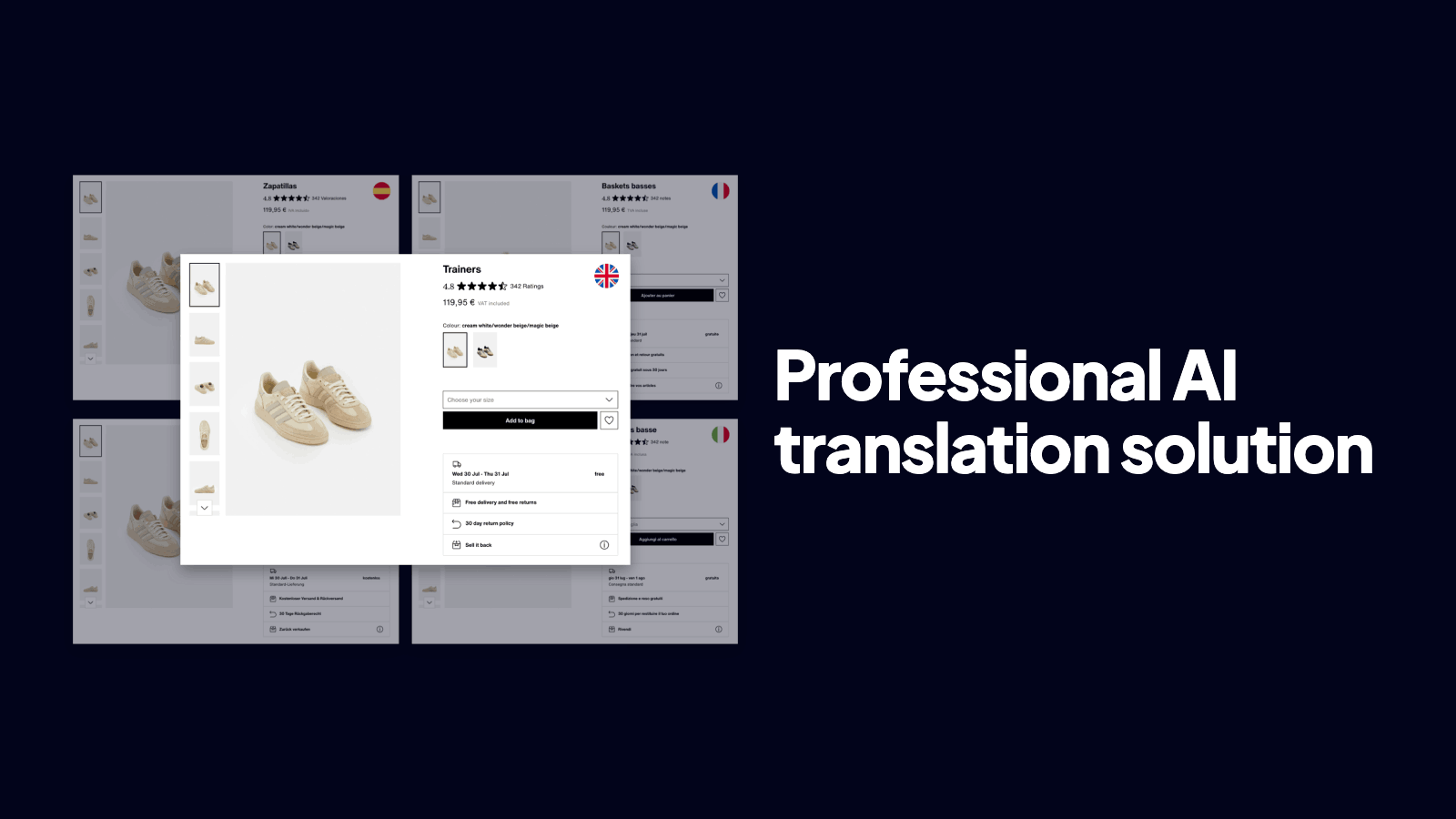
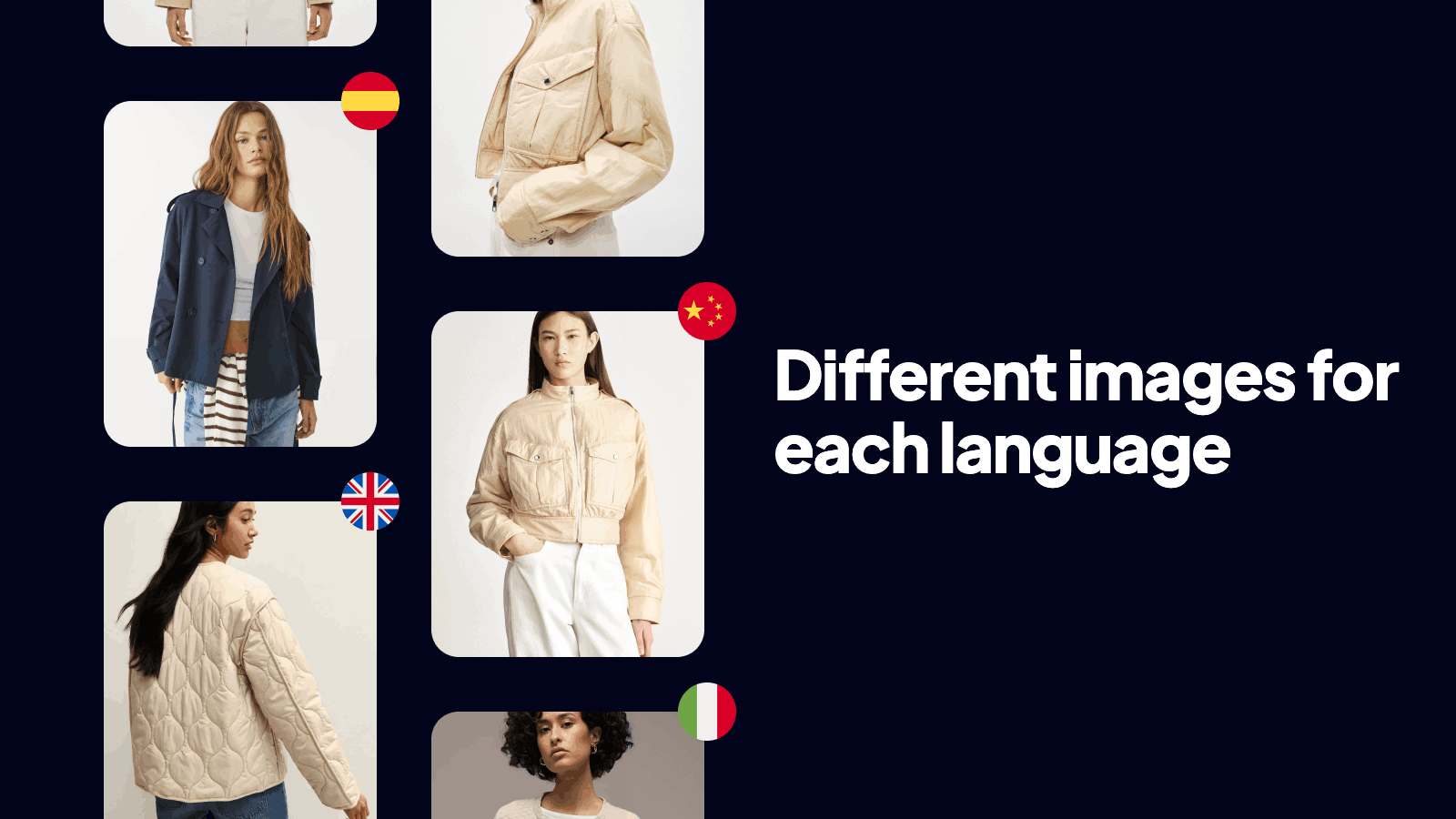
A promotional banner, a visual with embedded text, an infographic: all of it can be swapped for a version adapted to each language. Your visuals finally speak the same language as your customers, for a consistent experience from the first click all the way to checkout.
Step by step: launching your multilingual Shopify store
Whether you choose native tools, an app or Reversia, the logic stays the same. Here's the path to a clean launch:
- Pick your priority markets based on your traffic, existing sales and the potential of each country.
- Add the matching languages in Shopify and check your theme compatibility.
- Start translating your catalogue - automatically with Reversia, or manually with native tools.
- Define your glossary to lock brand terms before translating everything.
- Check your SEO: translated URLs, hreflang, localized titles and descriptions.
- Review the key pages (homepage, best-sellers, checkout) and adjust if needed.
- Publish, then monitor your sales stats per market to iterate.
With an automated solution, steps 3 to 5 - the most time-consuming - take a few minutes instead of several days. That's the whole point of delegating translation to a tool built for Shopify.
Frequently asked questions
How long does it take to translate a Shopify store?
With native tools, expect several hours to several days depending on catalogue size, since much of it stays manual. With an AI solution like Reversia, the first translation of a complete store usually takes a few minutes, and new content is then detected and translated automatically.
Is Shopify translation free?
Shopify offers free machine translation for two additional languages via Translate & Adapt. Beyond that, or for professional quality and SEO, you'll need a dedicated app or a solution like Reversia.
Will I lose my search rankings by translating my store?
Quite the opposite - provided you do it right. Translated URLs, correct hreflang tags and localized metadata let Google index each version on its market. That's exactly what Reversia handles automatically, where native tools often leave URLs in the original language.
Is the Shopify checkout translated too?
Yes. Shopify's checkout displays in the language of the store the customer is browsing, regardless of which translation tool you use for the rest of the content.
Can I keep control over automatic translations?
Yes. With Reversia, AI-generated translations remain fully editable, and the glossary lets you enforce your brand terms. Your translations belong to you and are stored in your store.
Conclusion
Translating a Shopify store has never been more accessible. Native tools are enough to test one or two languages on a tight budget, App Store apps offer more flexibility, and AI solutions like Reversia translate your entire catalogue in minutes - with clean SEO and control over every word.
The real challenge is no longer speed, but quality and search visibility. Choose a method that translates not only your text, but also your URLs, your metadata and your visuals, and you turn translation into a genuine driver of international growth.