Vous souhaitez changer la langue par défaut de votre back-office PrestaShop ?
Découvrez comment le faire en quelques étapes !
Tutoriel
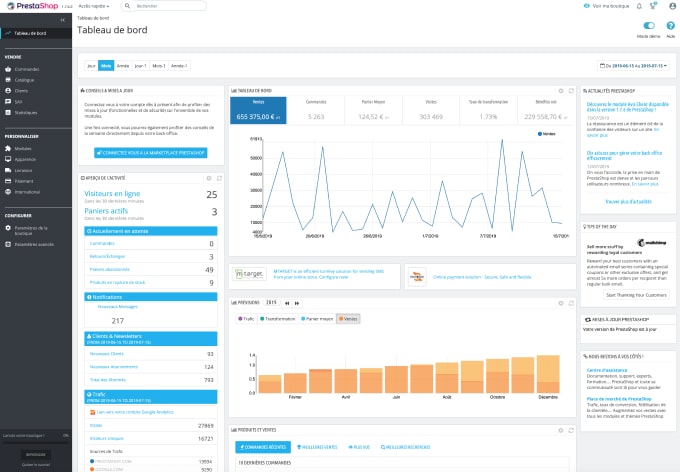
Pour changer la langue, rien de plus simple !
Cliquez sur votre profil en haut à droite du back-office PrestaShop.
Puis changer la langue en allant dans le menu dédié à cet effet.
Si vous ne voyez aucune langue, il faut en ajouter une. Pour ce faire aller dans : International > Localisation . Puis importez le pack de localisation correspondant à votre langue.